

VirusTotal URL Scanner: Check Links For Phishing & Malware
Phishing links are one of the most common ways crypto holders lose their assets. A single click on a fake exchange login page or malicious wallet download can drain your funds in seconds. That's why verifying links before you click them is a fundamental security habit, especially when dealing with cryptocurrency and self-custody wallets.
The VirusTotal URL scanner is a free tool that checks suspicious links against 70+ antivirus engines and security databases simultaneously. It's become an essential resource for anyone serious about protecting their digital assets from scams, malware, and credential theft.
This guide walks you through how to use VirusTotal to check URLs for threats, what the scan results actually mean, and how to integrate link verification into your daily security routine. Whether you're verifying an airdrop announcement, confirming a hardware wallet firmware download, or checking a link someone sent you on Discord, these steps will help you spot dangerous URLs before they become expensive mistakes.
What VirusTotal URL scanning does and doesn't do
The VirusTotal URL scanner runs your suspicious link through multiple security engines at once, giving you a comprehensive threat assessment in seconds. When you submit a URL, VirusTotal queries databases from companies like Kaspersky, Bitdefender, and Google Safe Browsing to check if the link matches known malicious patterns. This means you get instant feedback on whether security experts have already flagged the site as dangerous.
The tool checks against known threats, but it can't predict completely new scams that haven't been reported yet.
What the scanner actually detects
VirusTotal excels at identifying established threat patterns and domains with suspicious histories. The service maintains a massive database of URLs that have been reported for malware distribution, credential phishing, and cryptocurrency scams. You'll see results for:
- Phishing pages disguised as legitimate exchanges or wallet interfaces
- Malware download links that install keyloggers or clipboard hijackers
- Suspicious domains registered recently or with poor reputation scores
- Known scam sites reported by other users and security researchers
What you still need to verify yourself
The scanner won't catch brand new threats that haven't been reported to security databases yet. If a scammer just registered a domain and launched a fake MetaMask site this morning, VirusTotal might show zero detections because no engine has analyzed it yet. You're still responsible for checking that the domain spelling matches exactly, that the URL uses HTTPS, and that the site looks legitimate. Sophisticated phishing operations often rotate through fresh domains specifically to avoid detection tools like VirusTotal.
Step 1. Copy the suspicious link safely
The first rule of checking suspicious links is never click them directly. Your goal is to get the URL into the VirusTotal scanner without triggering any malicious code or alerting the scammer that you're investigating. One accidental click can start a download, log your IP address, or redirect you through multiple tracking scripts before you even realize what happened.
Right-click to copy without clicking
Right-click the link and select "Copy link address" (Chrome/Edge) or "Copy Link" (Firefox/Safari) from the context menu. This grabs the full URL without loading the destination page. You can then paste it directly into a text editor like Notepad to examine it before scanning.
Never left-click a suspicious link just to see where it goes. That's exactly what the attacker wants.
Hover to preview the destination first
Before you copy, hover your cursor over the link for 2-3 seconds without clicking. Most browsers display the actual destination URL in the bottom-left corner of your screen. If you see a Discord link that claims to go to "metamask.io" but the hover preview shows "metam4sk-clalm.xyz", you've already spotted the scam. This preview check takes one second and can save you from wasting time on obvious fakes.
Step 2. Scan the URL on VirusTotal
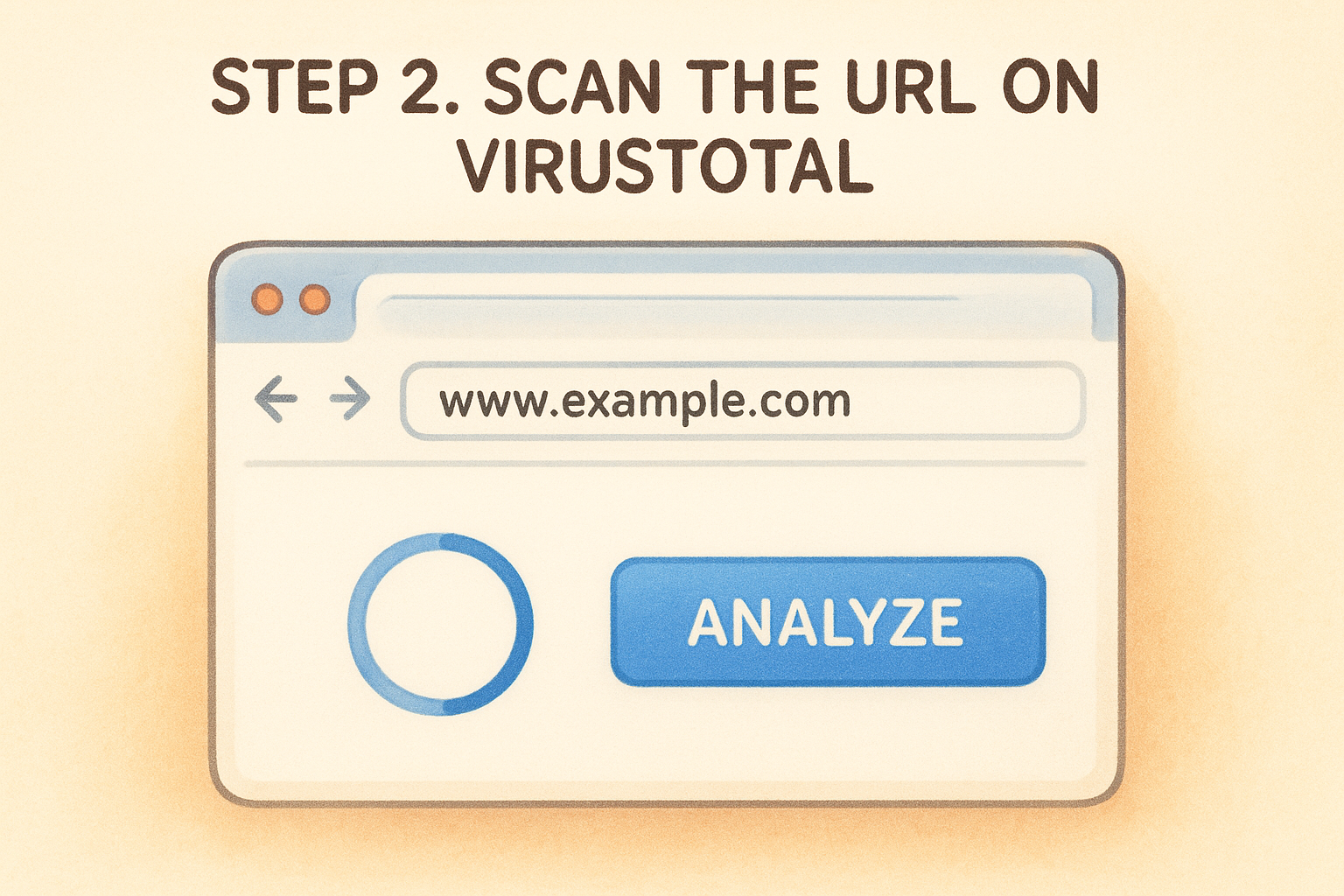
Once you've copied the suspicious URL, navigate to virustotal.com/gui/home/url in your browser. The VirusTotal URL scanner interface loads with a simple search box at the top of the page. Paste your copied link directly into this field and click the blue "Analyze" button or press Enter to start the scan.
Wait for the multi-engine scan to complete
The scan typically takes 15-30 seconds to complete as VirusTotal queries all available security engines. You'll see a progress indicator showing which engines are still analyzing the URL. Some engines respond instantly while others take longer to check their databases. Don't refresh the page during this process or you'll have to restart the scan.
If the URL has been scanned recently by another user, VirusTotal shows cached results instantly instead of running a new analysis.
Review the initial detection count
Once the scan finishes, VirusTotal displays a detection ratio at the top of the results page showing how many engines flagged the URL as malicious. A result like "12/70" means 12 security engines identified threats while 58 found nothing suspicious. This number gives you an immediate risk assessment before you dive into the detailed breakdown.
Step 3. Read the report like an analyst
The VirusTotal URL scanner displays dozens of data points, but you only need to focus on three critical indicators to make an informed decision. Understanding which metrics matter helps you separate actual threats from false positives and avoid wasting time on irrelevant technical details.
Check the detection categories
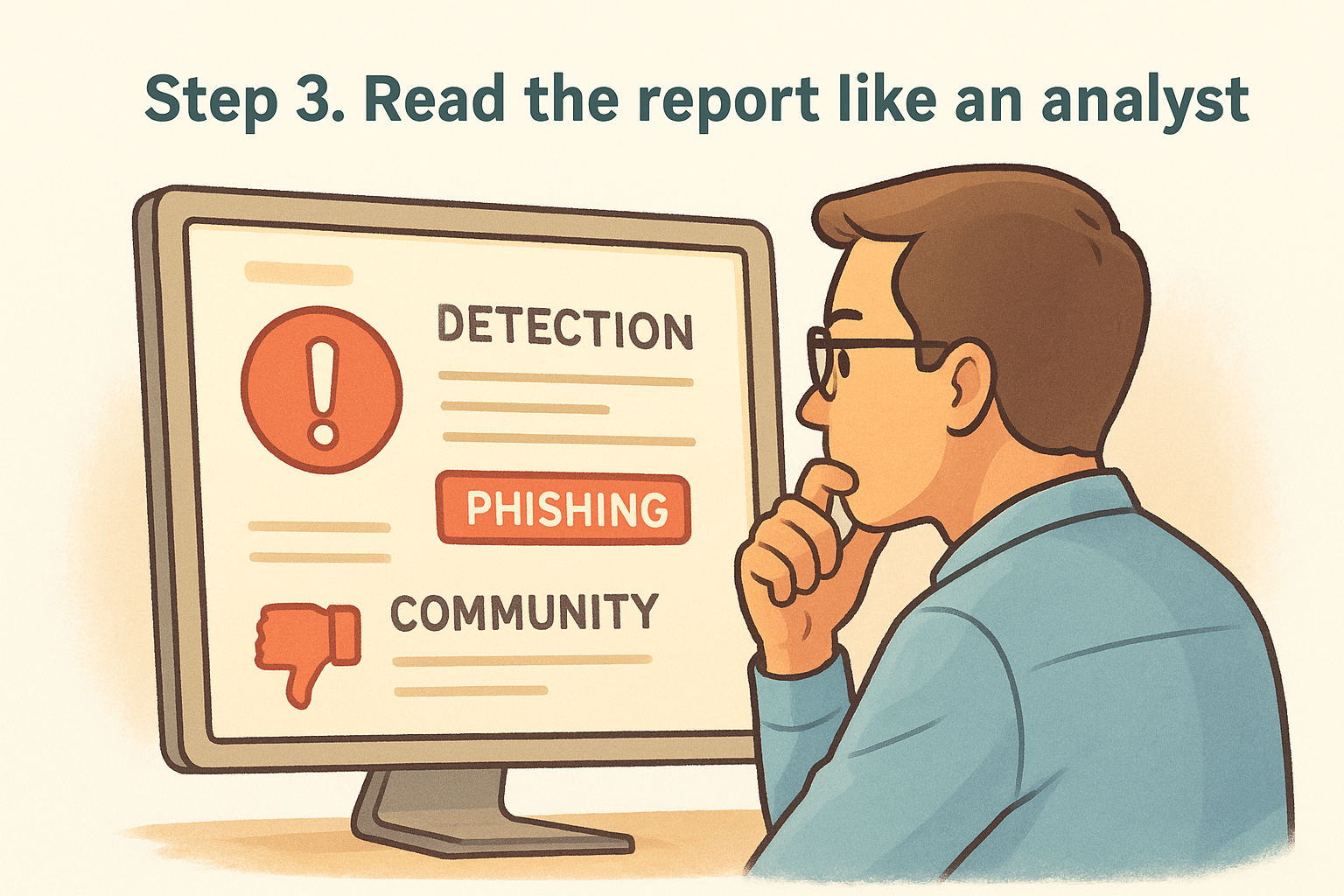
Scroll down to the "Detection" tab where you'll see how each security engine classified the URL. Look for labels like "phishing," "malware," or "clean" next to each vendor name. If multiple engines label the link as "phishing" or "suspicious", that's a red flag even if the overall detection count seems low. A single engine flagging a site doesn't mean much, but five or more engines agreeing on the same threat category indicates a real problem.
Pay attention to the specific threat labels, not just the raw number of detections.
Review the community score
The "Community" tab shows votes from other users who scanned this URL. A site with negative community votes (thumbs down) combined with comments describing crypto scams deserves your immediate attention. Real users often spot threats before automated engines catch them, making this section particularly valuable for identifying fresh phishing attempts.
Step 4. Take action based on the results
The VirusTotal URL scanner gives you data, but you decide the action. Your response depends on the detection count, threat categories, and how critical the link is to your workflow. The safest approach is to treat any uncertainty as a red flag and avoid the link entirely, but understanding the results helps you make informed decisions about borderline cases.
If the URL shows multiple detections
Delete the link immediately if five or more engines flag it for phishing or malware. This threshold indicates consensus among security vendors that the site poses a real threat. You should:
- Block the sender if someone messaged you this link directly
- Report the link to Discord, Telegram, or wherever you found it
- Warn others in your community who might have received the same message
- Run a malware scan on your device if you accidentally clicked the link before checking
Never try to "verify" a highly-flagged URL by visiting it in incognito mode or on a different device.
If the URL shows zero or few detections
A clean result from the virustotal url scanner doesn't guarantee safety. Verify the domain spelling character by character against the official site, check that it uses HTTPS with a valid certificate, and confirm the URL matches links from the company's verified social media accounts. New phishing sites often pass automated scans because security engines haven't cataloged them yet.
Quick wrap-up
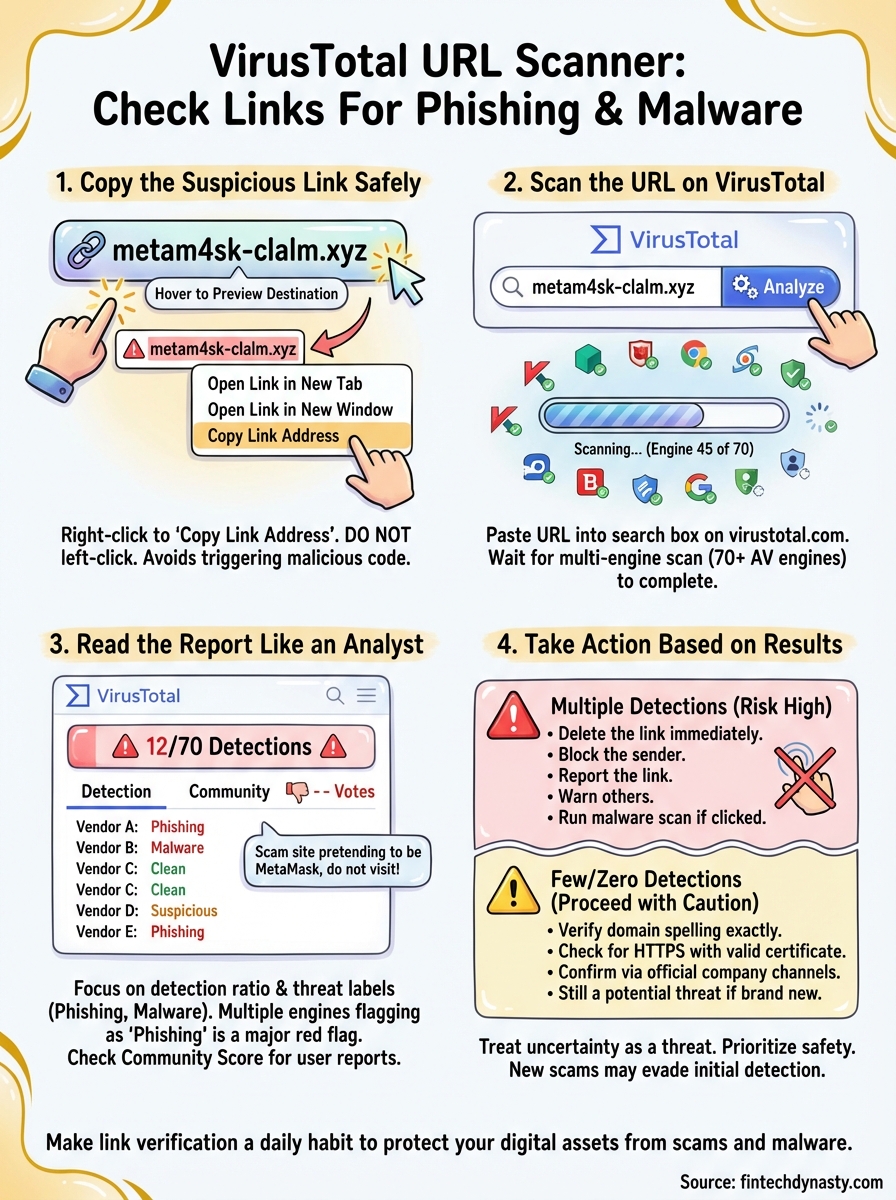
The virustotal url scanner gives you a fast way to verify suspicious links before they become security disasters. By copying URLs without clicking them, running multi-engine scans, and interpreting the detection results correctly, you add a critical verification step between receiving a link and potentially losing your crypto assets. This process takes less than one minute but can prevent irreversible damage.
Link verification should become automatic for anyone holding cryptocurrency in self-custody wallets. Phishing attacks evolve constantly, and scammers rotate through fresh domains to avoid detection tools. Combining VirusTotal scans with manual domain checks creates a two-layer defense that catches both established threats and brand new scams.
Your security habits matter more than any single tool. The best hardware wallet in the world won't protect you if you enter your seed phrase into a phishing site. Learn more about protecting your cryptocurrency holdings and implementing comprehensive security practices at FinTech Dynasty, where we focus on practical education without the market hype.