

Phishing Defense: How To Avoid Phishing Scams in 2026
Phishing attacks cost crypto holders billions every year, and the tactics keep evolving. A fake email from your "exchange," a spoofed hardware wallet site, or a direct message asking you to "verify" your seed phrase can wipe out years of savings in seconds. Learning how to avoid phishing scams isn't optional if you're serious about protecting your digital assets.
At FinTech Dynasty, we focus on one thing: helping you secure your crypto through proper self-custody and education. Phishing sits at the intersection of social engineering and technical deception, making it one of the most common ways attackers bypass even the best hardware wallets. Your cold storage device is only as secure as your ability to recognize a scam before it's too late.
This guide breaks down the specific red flags to watch for, the tools that add layers of protection, and the habits that keep your private keys out of criminal hands. No jargon. No hype. Just practical steps you can implement today.
What phishing looks like in 2026
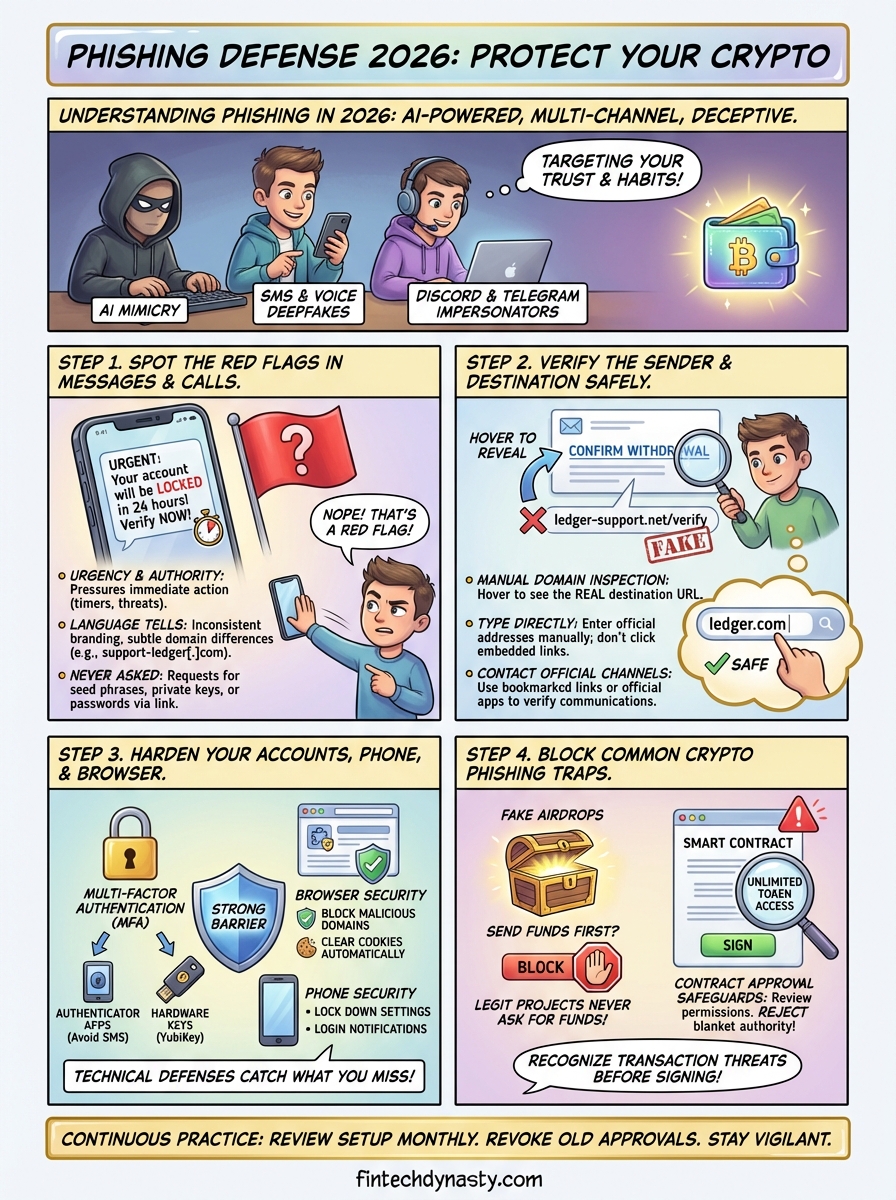
Phishing in 2026 doesn't rely on obvious spelling mistakes or generic greetings anymore. Attackers use AI-generated content that mimics legitimate companies down to the exact font, logo placement, and support ticket format. They scrape your public social media activity to personalize messages with details about your recent transactions, wallet addresses you've interacted with, or exchanges you've mentioned online. The goal remains the same: trick you into clicking a malicious link, entering your credentials, or revealing your seed phrase.
Current attack vectors targeting crypto users
You'll encounter phishing through multiple channels simultaneously. SMS messages arrive claiming your hardware wallet firmware needs an urgent update, followed by an email with the same branding minutes later. Discord and Telegram impersonators copy usernames, profile pictures, and even admin badges to DM you "exclusive support" or "whitelist opportunities." Browser notifications push fake security alerts that redirect to cloned login pages. Attackers now use deepfake voice calls that sound identical to customer support representatives, complete with background noise and hold music.
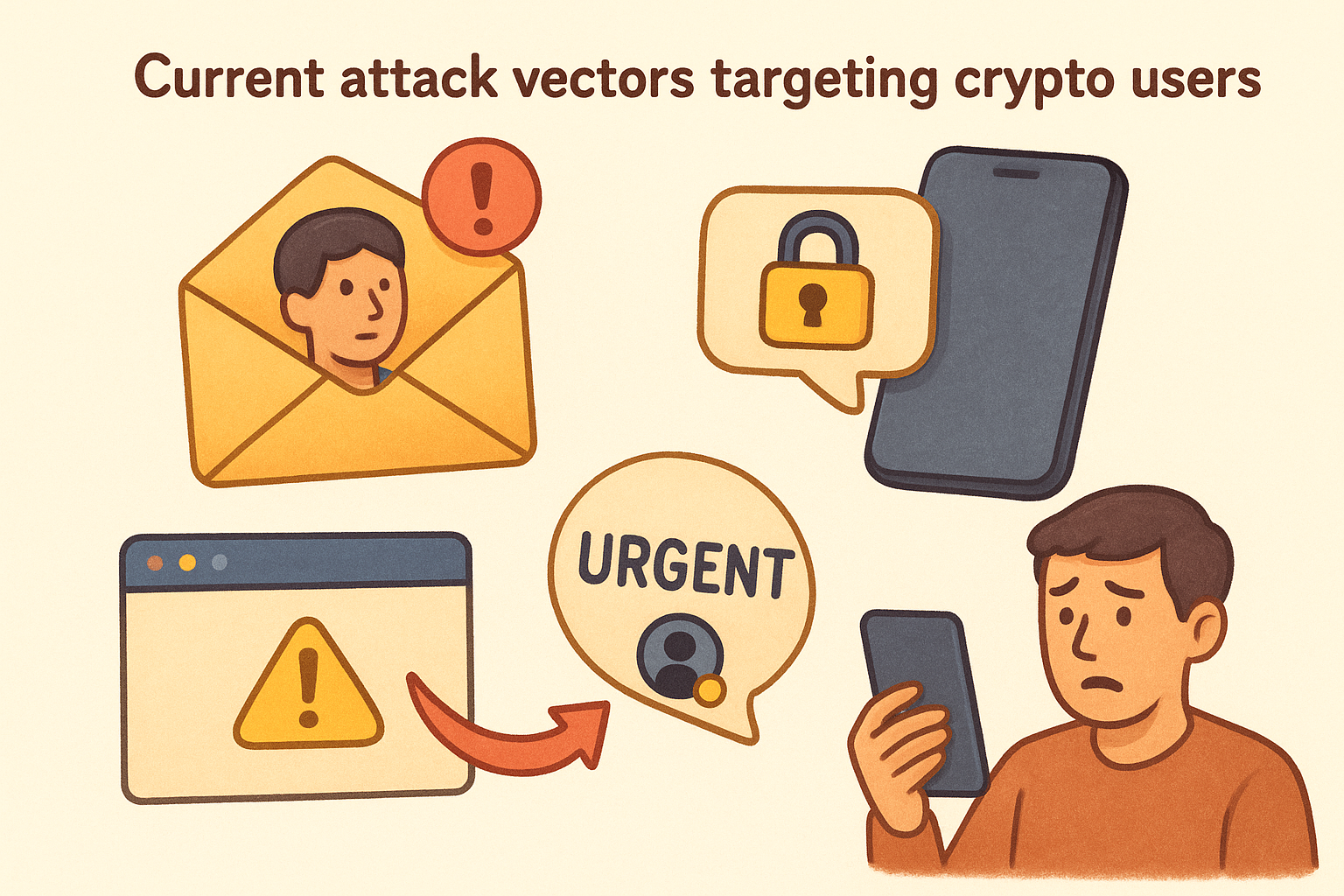
Understanding how to avoid phishing scams starts with recognizing that modern attacks target your trust, not your technical knowledge.
Real-world examples from early 2026
The "MetaMask update" scam circulating in January 2026 sent push notifications through compromised browser extensions, directing users to metamask-security[.]co instead of the legitimate site. Another campaign targeted Ledger owners with fake shipping confirmation emails containing tracking links that installed clipboard hijackers. The "urgent tax verification" texts sent to Coinbase users used spoofed caller IDs matching the exchange's official support number. Each attack combined multiple touchpoints to build false legitimacy before asking victims to "verify" their recovery phrase or approve a malicious transaction.
Step 1. Spot the red flags in messages and calls
Phishing messages rely on urgency and authority to bypass your critical thinking. You'll receive alerts claiming your account will be locked in 24 hours, your withdrawal is pending approval, or suspicious activity was detected on your wallet. The message pressures you to act immediately, often including a countdown timer or limited-time offer to prevent you from verifying the request through official channels.
Language and formatting tells
Legitimate companies send messages that match their standard communication style across all platforms. Check for subtle domain differences like "support-ledger[.]com" instead of "ledger[.]com" in the sender address. Phone numbers from unfamiliar area codes or international prefixes claiming to be local support deserve immediate skepticism. Watch for inconsistent branding, such as outdated logos, mismatched color schemes, or footer text that doesn't align with official emails you've received before.
Requests that legitimate companies never make
No hardware wallet manufacturer, exchange, or blockchain service will ever ask for your seed phrase, private keys, or password through any communication channel. Understanding how to avoid phishing scams means recognizing that requests to "verify your wallet," "confirm your recovery phrase," or "update your security credentials" through a link are always malicious.
Real support teams direct you to log in through the official app or website manually, never through embedded links.
Step 2. Verify the sender and the destination safely
Every link, phone number, and email address deserves manual verification before you take any action. Attackers register domains that look nearly identical to legitimate sites, swapping letters like "rn" for "m" or adding hyphens where none exist. Learning how to avoid phishing scams means developing the habit of checking destinations independently rather than trusting what appears in front of you.
Manual domain inspection
Hover over any link without clicking to reveal the actual destination URL in your browser's status bar or email client preview. Type official website addresses directly into your browser instead of using search results or embedded links. Compare the domain character by character against the company's verified website listed on their official app or a trusted directory. Look for unusual top-level domains like .co, .net, or country codes replacing the expected .com.
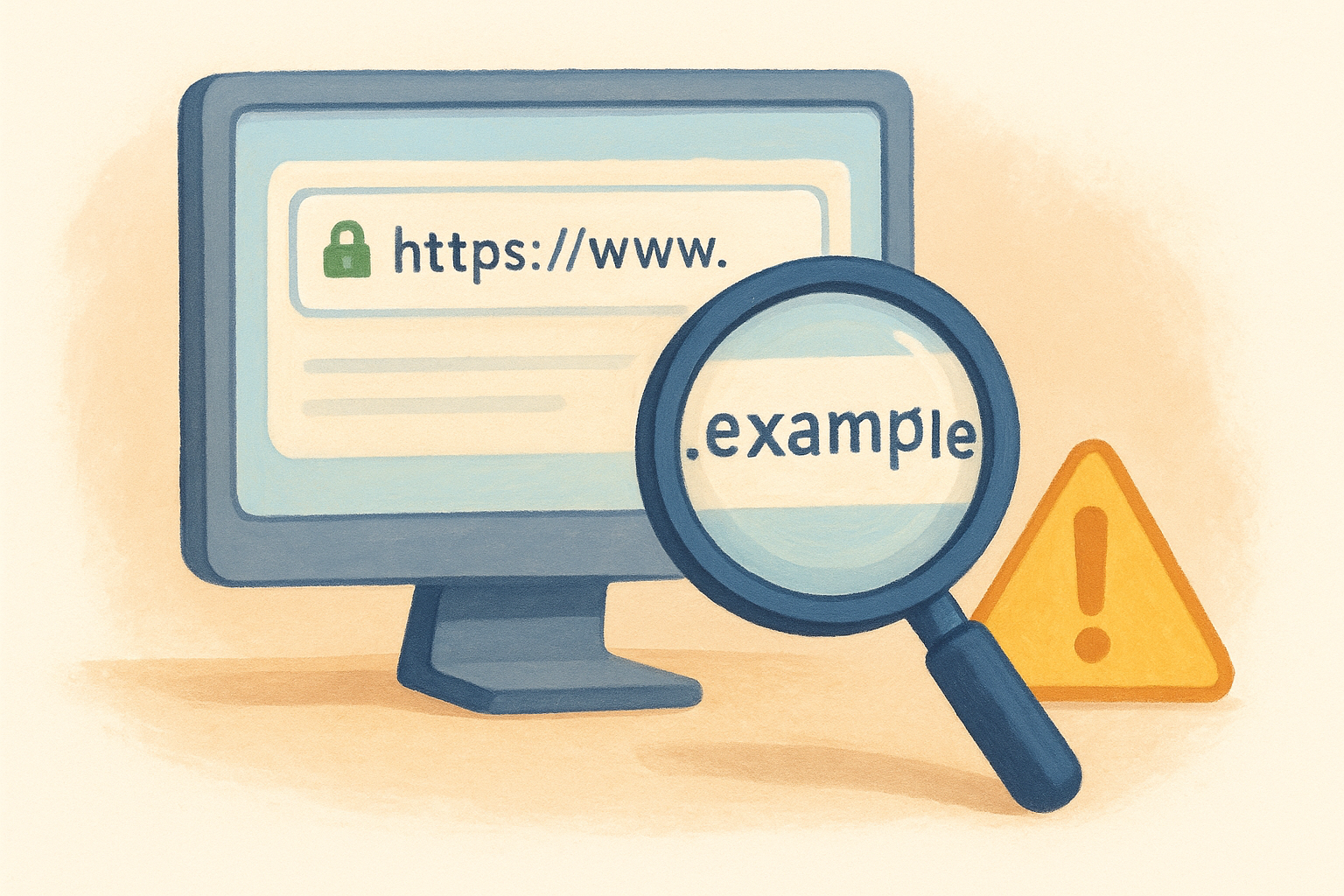
Never click shortened links (bit.ly, tinyurl) in unsolicited messages claiming to be from financial services.
Contact official channels directly
When you receive a suspicious message, close it completely and navigate to the company's website through your bookmarked link or mobile app. Use the contact information listed there to verify whether the communication was legitimate. Phone numbers should be cross-referenced with multiple sources, including the back of your hardware wallet box, official app settings, or your account dashboard. Real support teams can confirm or deny sending specific messages when you provide the timestamp and subject line.
Step 3. Harden your accounts, phone, and browser
Technical defenses create multiple barriers between attackers and your assets. Understanding how to avoid phishing scams includes implementing security layers that catch threats even when you miss initial red flags. These configurations take minutes to set up but block the majority of automated attacks targeting crypto holders.
Enable multi-factor authentication everywhere
Activate authenticator apps (Google Authenticator, Authy) on every exchange, wallet interface, and email account connected to your crypto activity. Avoid SMS-based verification codes since attackers can hijack your phone number through SIM swap attacks. Hardware security keys like YubiKey provide the strongest protection, requiring physical possession of the device to approve login attempts. Enable login notifications that alert you whenever someone accesses your account from a new device or location.
Multi-factor authentication turns stolen passwords into useless information without the second verification method.
Lock down browser settings
Install browser extensions that block malicious domains and clipboard hijackers before they load. Disable automatic form filling for wallet addresses and passwords to prevent malware from harvesting stored credentials. Set your browser to clear cookies and cache automatically after each session for accounts holding crypto. Create separate browser profiles for financial activities, keeping your crypto management completely isolated from general web browsing and social media use.
Step 4. Block common crypto phishing traps
Crypto-specific phishing attacks exploit your familiarity with blockchain transactions and the irreversible nature of transfers. Attackers create fake token approval requests, spoofed NFT minting sites, and fraudulent airdrop claims that drain your wallet the moment you interact with a malicious smart contract. Understanding how to avoid phishing scams in the crypto space requires recognizing these transaction-based threats before you sign anything.
Fake airdrop and giveaway filters
Legitimate projects never ask you to send funds first or "verify" your wallet by connecting to an unknown dApp. Block unsolicited direct messages offering exclusive airdrops, beta access, or whitelist spots that require immediate action. Cross-reference any airdrop announcement with the project's official Twitter account and Discord server through manually typed URLs, not links provided in the message.
Real airdrops appear automatically in your wallet or require claiming through the project's verified website only.
Contract approval safeguards
Review every contract approval before signing by checking the requested permissions and destination address. Tools built into wallets like MetaMask and Rabby show you whether a contract wants unlimited token access or a specific amount. Reject any request granting blanket spending authority, and revoke old approvals through Etherscan's token approval checker at regular intervals.
Final check and next steps
Learning how to avoid phishing scams requires building permanent habits around every message, link, and transaction you encounter. Review your current security setup today: enable authenticator apps on all accounts, bookmark official websites manually, and practice hovering over links before clicking. The five seconds you spend verifying a sender's authenticity outweighs the permanent loss of accessing your funds through a compromised wallet.
Set monthly calendar reminders to revoke old token approvals, update your hardware wallet firmware through manually typed URLs only, and rotate passwords on accounts connected to your crypto holdings. Security isn't a one-time configuration but a continuous practice that adapts as attack methods evolve across different platforms and communication channels.
Your self-custody strategy depends on more than just owning the right hardware wallet. FinTech Dynasty provides independent comparisons and security education without the market hype or price speculation. Explore our hardware wallet guides to match your storage needs with the proper technical foundation for long-term asset protection.