

How To Backup A Hardware Wallet: Seed Phrases & Storage
You bought a hardware wallet, moved your crypto off an exchange, and finally hold your own keys. That's a major step. But here's the part most people rush through or get wrong: how to backup a hardware wallet properly. If your device breaks, gets lost, or stops working, your backup is the only thing standing between you and permanent loss of your funds.
A hardware wallet backup typically comes down to one critical element, your recovery seed phrase. Those 12 or 24 words generated during setup aren't just a formality. They're a master key to everything you hold. How you record them, where you store them, and whether you create redundancy around them determines how resilient your self-custody setup actually is. Most people underestimate this step, and the consequences only show up when it's already too late.
At FinTech Dynasty, we focus on the practical, technical side of crypto security, no price speculation, no hype. This guide walks you through each phase of backing up your hardware wallet, from writing down your seed phrase correctly to using secondary backup devices and choosing safe physical storage locations. Whether you're working with a Ledger, Trezor, Tangem, or any other cold storage device, the core principles apply across the board.
What you're backing up and why it matters
When you learn how to backup a hardware wallet, the first thing to understand is that you're not backing up the device itself. Your hardware wallet is essentially a key generator and a secure signing tool. The actual access to your funds lives on the blockchain, and what controls that access is your private key. Everything traces back to one source: your seed phrase.
The seed phrase is the wallet, not the device
Your seed phrase is a sequence of 12 or 24 randomly generated words produced during your wallet's initial setup. This phrase follows the BIP-39 standard, which most major wallet manufacturers use, including Ledger and Trezor. Those words encode your private keys in a human-readable format. If your device breaks, gets stolen, or the manufacturer shuts down, you can restore full access to your funds on any compatible wallet using that phrase alone.
A single seed phrase can control multiple accounts across different cryptocurrencies and networks simultaneously. Here's what it gives you access to:
- Every wallet address derived from that seed
- All cryptocurrency balances tied to those addresses
- Full signing authority to send, receive, and interact with contracts
Your seed phrase doesn't protect your device. It protects your money. Treat them as completely separate things.
What happens without a backup
Without a proper backup, losing your hardware wallet means losing your crypto permanently. There is no customer support line, no password reset, and no recovery process through the manufacturer. Blockchain transactions are irreversible by design, and no one holds a copy of your private keys on your behalf.
Self-custody puts complete control and complete responsibility in your hands. No exchange, no company, and no government can retrieve funds locked to a lost seed phrase. That's why treating your backup process with the same care you'd apply to a physical key to a safe isn't optional. Every step in this guide exists to make sure you don't reach that point.
Step 1. Record your recovery phrase correctly
When your wallet displays the seed phrase during setup, you get one chance to record it correctly before it disappears from the screen. This is the most critical moment in how to backup a hardware wallet, and rushing through it creates a permanent, unrecoverable risk. The device generates these words randomly, so not even the manufacturer can reproduce them if you lose your copy.
Write it by hand, never digitally
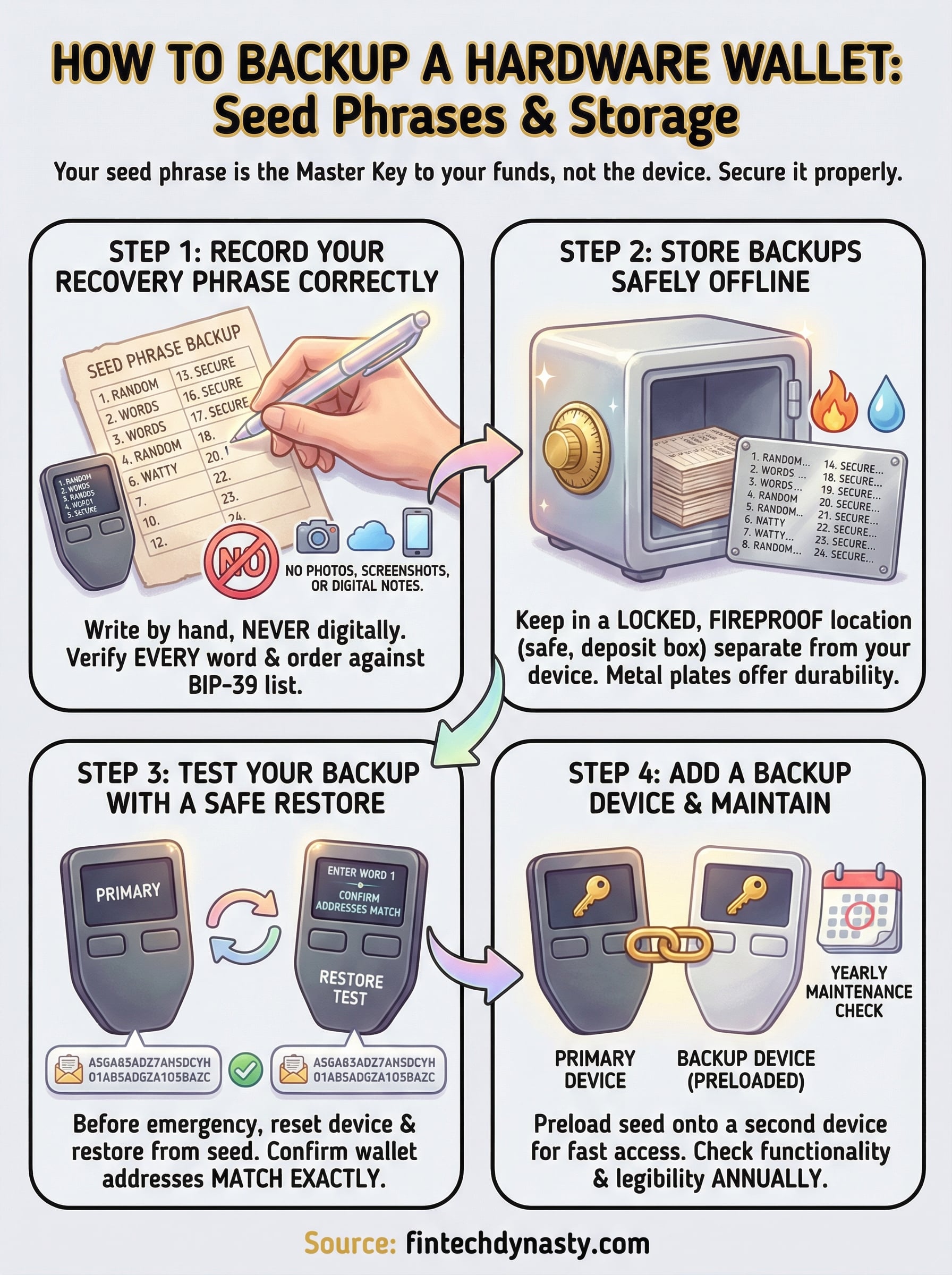
Never photograph, screenshot, or type your seed phrase into any digital device. Cameras, cloud storage, and note-taking apps all create exposure to online threats and data breaches. Use the paper card included with your wallet or a clean sheet of paper. Write each word clearly, in the correct numbered order, and verify every word against the BIP-39 word list before you confirm on the device.
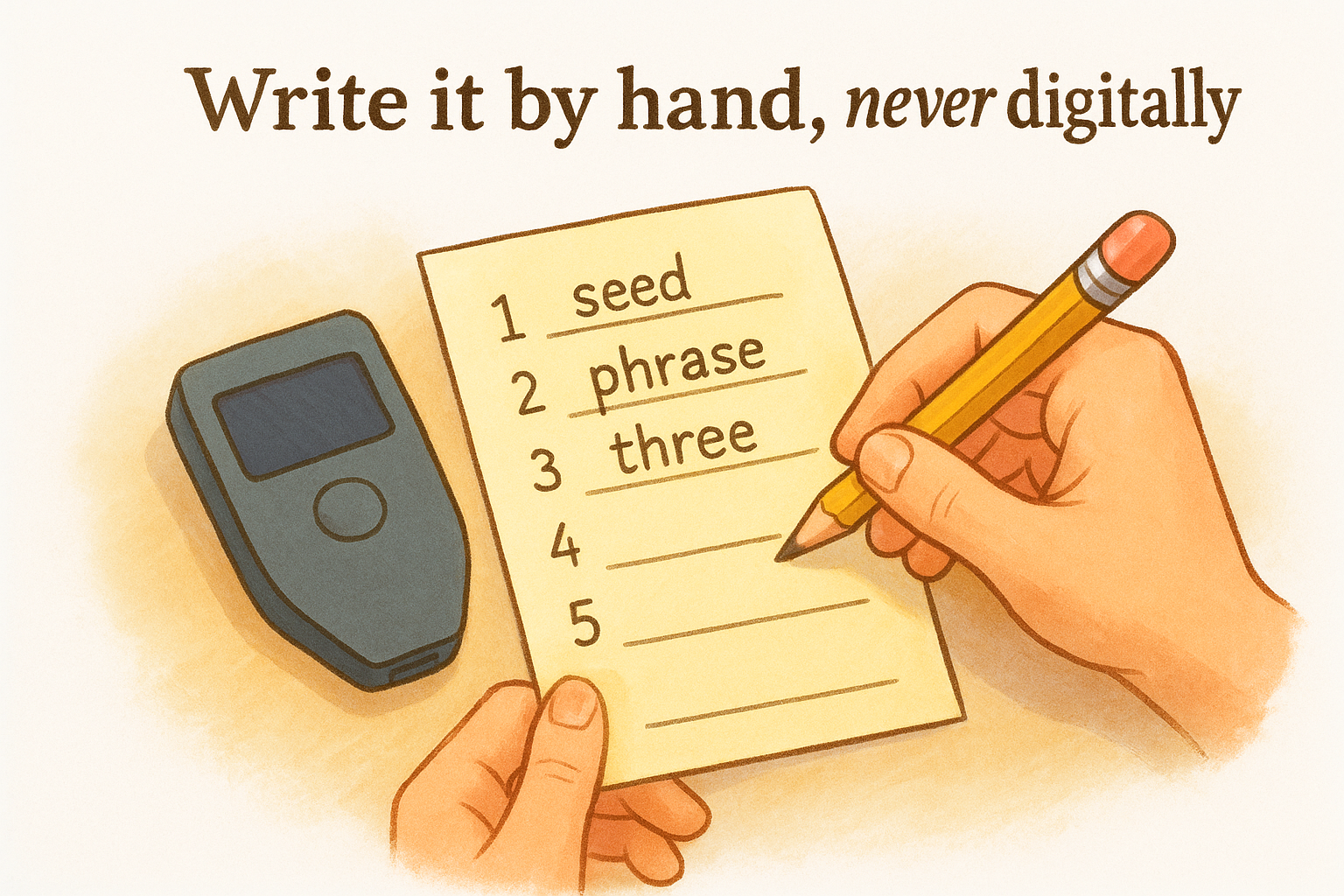
Use this template to stay organized:
| # | Word | # | Word |
|---|---|---|---|
| 1 | ____ | 13 | ____ |
| 2 | ____ | 14 | ____ |
| 3 | ____ | 15 | ____ |
Once you confirm the phrase on your device, it will not display again. If your written copy contains even one wrong word, your backup fails completely.
Fill in all 12 or 24 positions before moving forward. Never rely on memory alone, even for a few minutes.
Step 2. Store backups safely offline
Once you've written down your seed phrase, where you store it becomes just as important as the accuracy of what you wrote. A core part of how to backup a hardware wallet correctly is protecting that written copy from physical threats like fire, water, and theft, which are just as dangerous as any digital attack.
Never store your seed phrase backup in the same location as your hardware wallet.
Choose a location that controls access
Keeping your seed phrase next to your device defeats the purpose of having a backup. If someone finds both, you lose everything. Store your backup somewhere locked and fireproof, such as a home safe or a bank safety deposit box.
Good storage options include:
- A fireproof home safe bolted to a fixed surface
- A bank safety deposit box for long-term storage
- A secured location at a second property you control
Consider metal backup for long-term storage
Paper degrades over time from moisture, heat, and general wear. Metal seed phrase plates made from stainless steel give you a backup that survives fire and flooding. You stamp or engrave each word into the metal, creating a decades-long durable record that paper simply cannot match. Products designed for this purpose are widely available and serve as a worthwhile investment given what they protect.
Step 3. Test your backup with a safe restore
Writing down your seed phrase and storing it properly covers two-thirds of how to backup a hardware wallet correctly. The third step most people skip is verifying that the backup actually works. Testing before an emergency is the only way to confirm you haven't made a transcription error that would make your backup useless when you need it most.
How to run a safe restore test
Performing a restore test does not require moving or risking your funds. Most hardware wallets, including Ledger and Trezor devices, allow you to reset the device and restore from your seed phrase without touching any connected accounts.
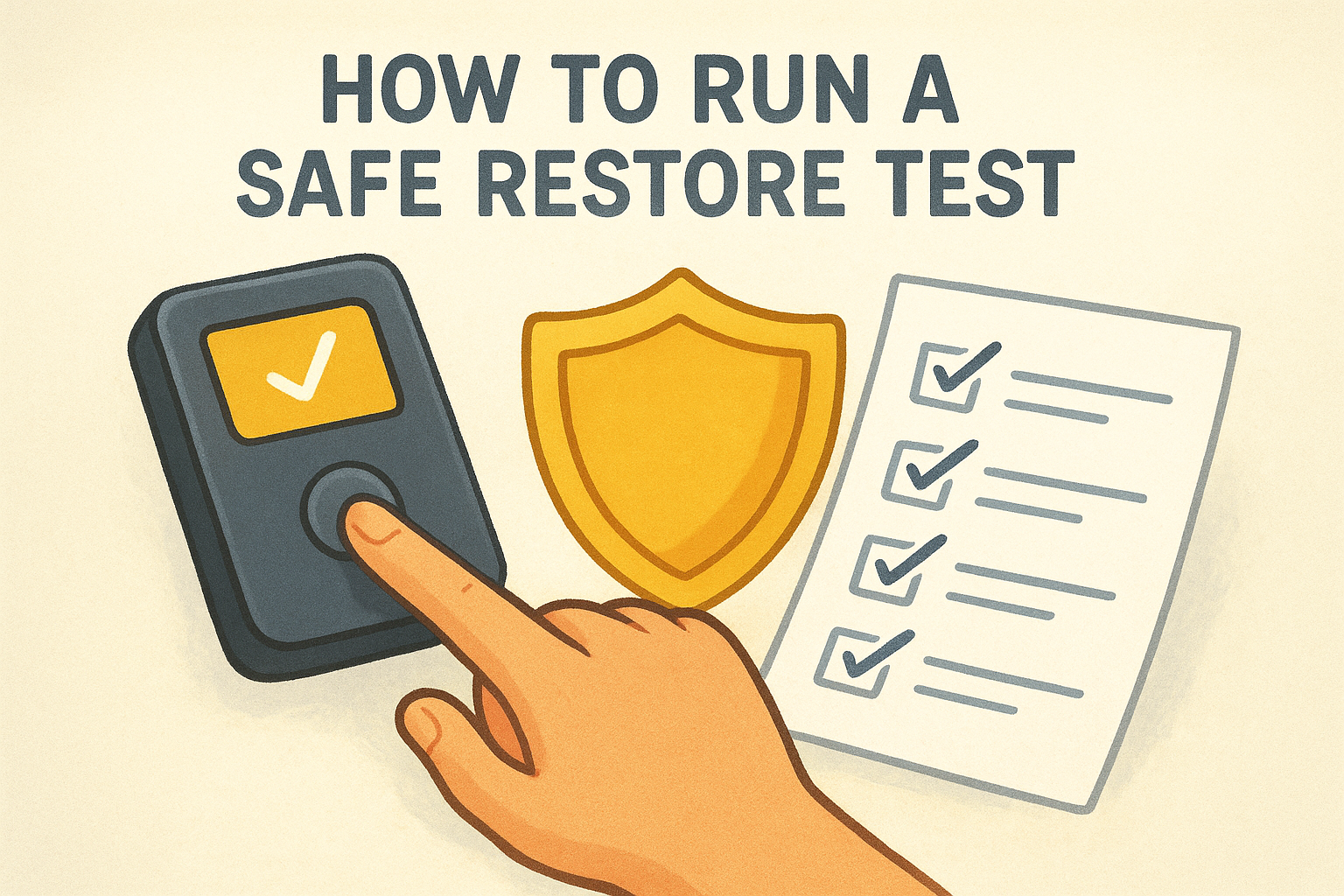
Run this test with a small or zero-balance wallet first, especially if you are new to the process.
Follow these steps in order:
- Reset your hardware wallet to factory settings through the device settings menu
- Start the setup process and select the "restore from seed phrase" option
- Enter each word exactly as written, in the correct numbered order
- Confirm the restored wallet addresses match your original wallet addresses exactly
If your wallet addresses match after the restore, your backup is confirmed valid. If they don't match, identify and correct the error immediately before trusting that backup in a real scenario.
Step 4. Add a backup device and maintain it
A seed phrase backup covers data recovery, but adding a second hardware wallet gives you a faster, more practical fallback. The final phase of how to backup a hardware wallet is building redundancy at the device level. A second device preloaded with your seed phrase means you can resume access within minutes if your primary wallet fails, without relying solely on a written restore process.
Keep a second hardware wallet ready
Restore your seed phrase onto a second hardware wallet and store it separately from both your primary device and your written seed phrase backup. This gives you three independent recovery options without managing additional seed phrases. Use the same model or a fully compatible device to avoid firmware or compatibility issues during any future restore.
Store the backup device in a locked location you can access independently, without needing another person present.
Run a yearly maintenance check
Set a calendar reminder once per year to run through a short maintenance check on your entire backup setup. Confirm your backup device still powers on and connects properly, and that your written seed phrase remains fully legible and undamaged.
Annual maintenance checklist:
- Power on and unlock the backup device
- Verify wallet addresses match your primary device
- Check the seed phrase backup for legibility and physical damage
- Replace any degraded paper copies with fresh, clearly written records
Final checks before you walk away
You've now covered every phase of how to backup a hardware wallet, from recording your seed phrase correctly to testing a restore and maintaining a second device. Before you consider this setup complete, run through this short final checklist to confirm nothing is missing.
- Your seed phrase is written in full, in the correct numbered order, with zero digital copies anywhere
- Your backup is stored in a separate, locked, fireproof location away from your primary device
- You've completed a successful restore test and confirmed matching wallet addresses
- Your backup device is stored independently and powers on correctly
- Your annual maintenance reminder is set in your calendar
Every item on this list matters equally. Skipping even one creates a gap that only shows up during an emergency, when fixing it is no longer an option. If you want to build a deeper understanding of crypto security beyond storage alone, the FinTech Dynasty crypto education course gives you structured, practical lessons to protect your digital assets with real confidence.