

Hardware Wallet vs Software Wallet: Security, Cost & Ease
Choosing between a hardware wallet vs software wallet comes down to one core question: how much risk are you willing to accept with your crypto? Both options store your private keys, but they do so in fundamentally different ways, and that difference determines how vulnerable your assets are to hackers, malware, and human error.
Software wallets run on your phone or computer, giving you quick access to send and receive crypto. Hardware wallets store your keys on a dedicated offline device, creating a physical barrier between your funds and online threats. Neither option is universally "better." The right choice depends on how much crypto you hold, how often you need to access it, and your personal tolerance for security tradeoffs.
At FinTech Dynasty, we break down these decisions without the noise. No price predictions, no trading advice, just clear comparisons to help you protect what you own. This guide covers the security models, costs, and usability differences between hardware and software wallets so you can make an informed decision about where your private keys should live.
What hardware and software wallets actually do
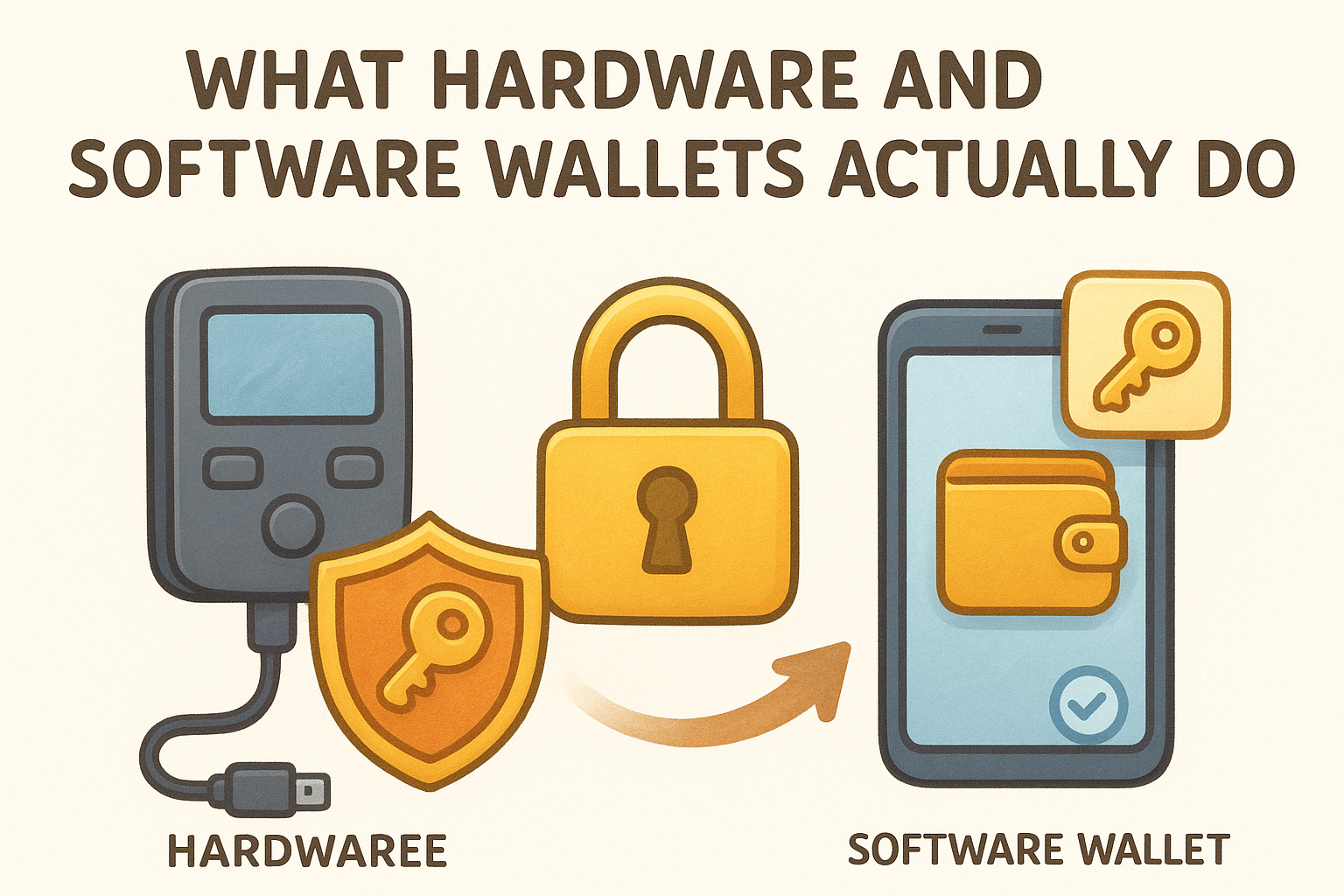
Both wallet types perform the same core function: they store your private keys and allow you to sign transactions on the blockchain. The difference between a hardware wallet vs software wallet is not what they do, but where and how they store those keys. Your wallet does not actually hold cryptocurrency. Instead, it holds the cryptographic proof that you control specific addresses on the blockchain. When you send crypto, your wallet uses your private key to create a digital signature that authorizes the transaction.
How software wallets manage your keys
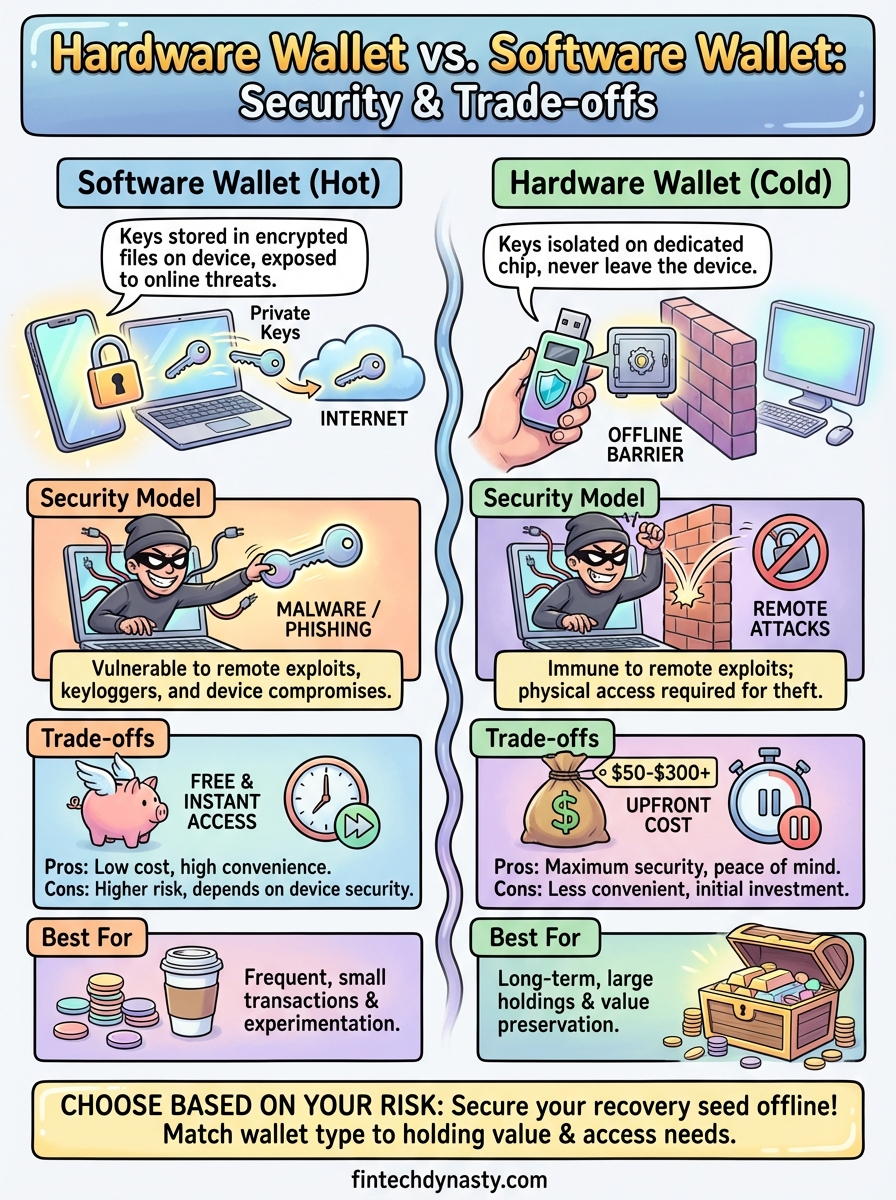
Software wallets store your private keys in encrypted files on your device. When you install MetaMask, Trust Wallet, or any mobile crypto app, the wallet generates your keys and saves them in your phone's storage or your computer's hard drive. Every time you need to send crypto, the wallet decrypts your private key from storage, uses it to sign the transaction, then re-encrypts it. This all happens in software, which means your keys exist in an environment that connects to the internet. The wallet app itself might have security measures like password protection or biometric locks, but your keys are still accessible to any application or malware that gains access to your device.
Software wallets prioritize speed and accessibility by keeping your keys in digital storage that your device can read instantly.
How hardware wallets isolate your keys
Hardware wallets generate and store your private keys on a dedicated chip that never exposes them to your computer or phone. When you connect a Ledger or Trezor to your device, the wallet sends transaction details to the hardware device, which signs the transaction internally and sends back only the signature. Your private keys never leave the hardware wallet, even when you connect it via USB or Bluetooth. The device acts as a signing barrier between your keys and any internet-connected system, making it physically impossible for remote attackers to extract your keys through software exploits.
Why the difference matters for crypto security
The core security distinction in the hardware wallet vs software wallet comparison comes down to internet exposure. Your private keys represent complete control over your funds, and whoever gains access to them can transfer your crypto without permission. Software wallets keep those keys on devices that connect to the internet regularly, while hardware wallets keep them completely isolated from any network connection. This isolation determines your exposure to remote attacks.
Internet connectivity creates vulnerability
When your private keys exist on an internet-connected device, they become vulnerable to any malware that infects your system. A keylogger, clipboard hijacker, or screen capture tool running on your computer can potentially intercept your seed phrase or capture your wallet password. Remote attackers do not need physical access to your device. They only need to exploit a vulnerability in your browser, operating system, or any application you run. Software wallets attempt to protect against this through encryption and secure storage protocols, but they still operate in an environment designed to connect to external networks.
Internet-connected storage means your keys exist in the same digital space where attacks happen.
The offline advantage
Hardware wallets remove your keys from this attack surface entirely. Because your private keys never enter your computer's memory, malware on your laptop cannot steal them. An attacker would need physical possession of your hardware wallet and knowledge of your PIN to access your funds. This creates a fundamentally different security model where remote exploits become ineffective.
Security trade-offs and common attack paths
Understanding the hardware wallet vs software wallet comparison requires knowing which specific threats each option protects against and where each one remains vulnerable. Both wallet types face distinct attack vectors that exploit their fundamental design choices. Your security profile changes based on which storage model you choose, and knowing the actual attack paths helps you implement appropriate protective measures.
Software wallet vulnerabilities
Software wallets face threats from any malicious software that runs on your device. Clipboard hijacking replaces your copied wallet address with an attacker's address, causing you to send crypto to the wrong recipient. Screen recording malware can capture your seed phrase when you display it during backup or recovery. Phishing applications disguised as legitimate wallet software can steal your credentials directly. Remote access trojans give attackers complete control over your device, allowing them to execute transfers while bypassing your wallet's built-in protections.
Your software wallet's security depends entirely on the security of every application running on your device.
Hardware wallet attack scenarios
Hardware wallets eliminate remote attacks but introduce physical security considerations. An attacker with temporary access to your device can replace it with a modified unit that transmits your PIN or seed phrase. Supply chain attacks involve compromised hardware sold through unofficial channels. Physical tampering becomes possible if someone gains extended access to your wallet, though most devices include tamper-evident seals and secure chip protections that make extraction difficult without destroying the device.
Cost, convenience, and best-fit use cases
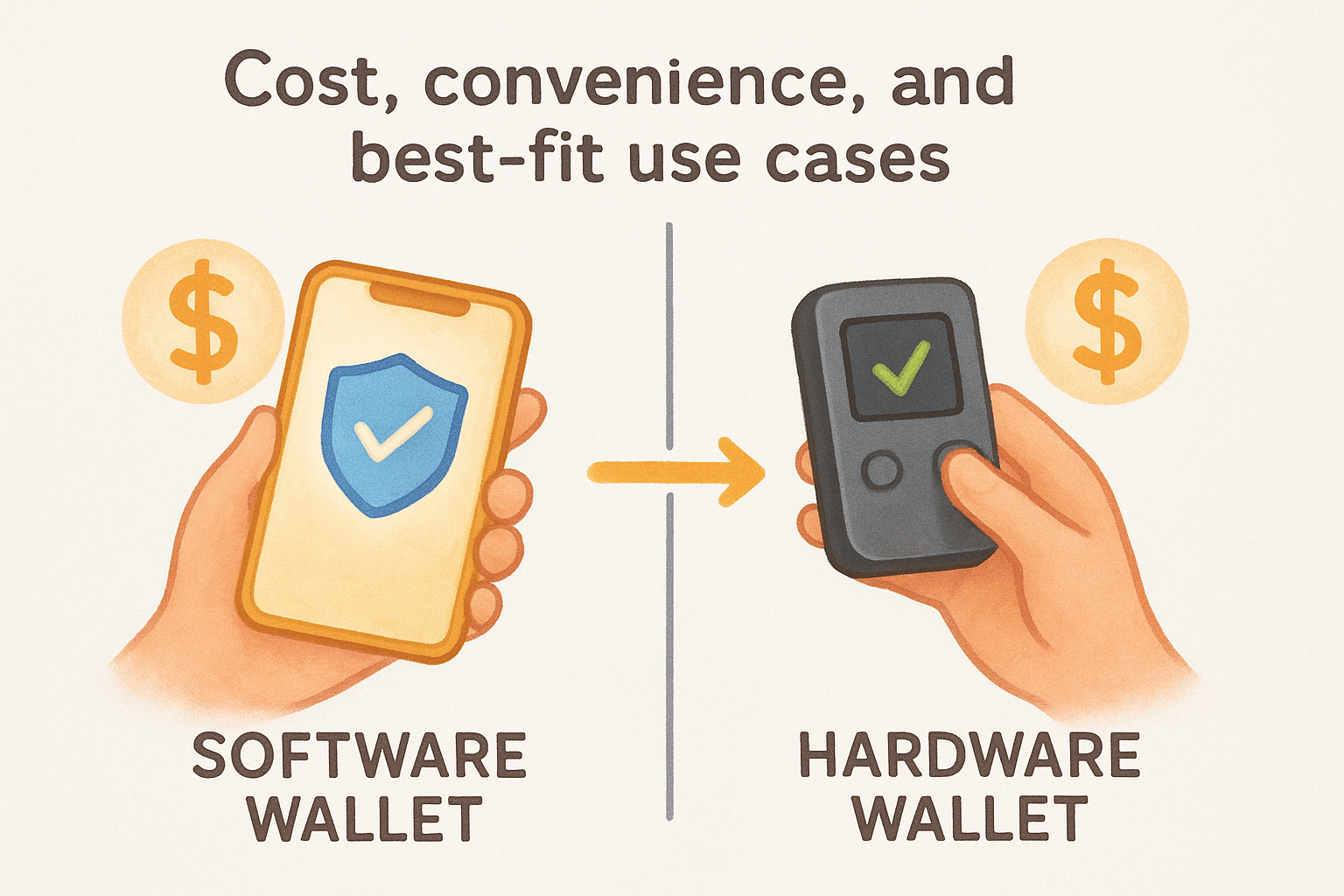
The hardware wallet vs software wallet decision involves clear financial and practical tradeoffs. Software wallets cost nothing to download and install, while hardware wallets require an upfront purchase ranging from $50 to $300 depending on the model and feature set. Convenience works inversely to security in most cases. You can access a software wallet instantly from your phone to send crypto in seconds, but you need to physically connect a hardware device and confirm transactions on its screen, adding steps that slow down each transfer.
What you pay for each option
Software wallets like MetaMask, Exodus, or Trust Wallet are free to install and generate unlimited addresses at no cost. Your only expense comes from blockchain transaction fees when you send crypto. Hardware wallets require you to purchase the physical device, with entry-level models like Trezor One starting around $60 and advanced options like Ledger Nano X reaching $150 or more. You also pay network fees for transactions, but the device itself represents a fixed cost that protects everything you store on it.
Hardware wallets turn security into a one-time purchase rather than an ongoing risk.
When each wallet type makes sense
Software wallets work well for small amounts you access frequently, such as funds you use for regular transactions or experimentation with decentralized applications. Hardware wallets suit long-term holdings worth protecting, especially amounts that would cause financial harm if stolen. If you hold less than $500 and make weekly transactions, software wallets provide adequate security. Holdings above $1,000 that you plan to keep for months or years justify hardware wallet protection.
How to choose and use wallets safely
Your wallet choice should match your actual risk exposure rather than theoretical best practices. Start by calculating how much crypto you hold and how often you need to access it. This determines whether you prioritize maximum security or daily convenience. The hardware wallet vs software wallet decision becomes clearer when you base it on real numbers instead of abstract security concerns.
Evaluate your storage needs first
Calculate the total dollar value of all crypto you own across exchanges and wallets. If that amount exceeds what you would keep in cash at home, you need hardware wallet protection. Consider how frequently you make transactions. Daily traders who move funds multiple times per week face friction with hardware wallets, while long-term holders who transact monthly or less benefit from the added security without meaningful inconvenience.
Your technical comfort level also matters. Software wallets require you to maintain device security through regular updates, antivirus software, and careful download practices. Hardware wallets shift this responsibility to a dedicated device but require you to manage physical security and backup procedures.
Setup practices that reduce risk
Never photograph your seed phrase or store it in cloud services. Write your 12 or 24 word recovery phrase on paper or metal and store it in a location separate from your wallet device. Test your backup by recovering a small amount to a new wallet instance before loading significant funds. This confirms your backup works before you depend on it.
Your wallet security depends entirely on keeping your seed phrase offline and inaccessible to anyone but you.
Final takeaways
The hardware wallet vs software wallet decision starts with honest assessment of your holdings and how you actually use crypto. Software wallets give you instant access and cost nothing upfront, but they expose your keys to every threat that targets your connected devices. Hardware wallets create physical separation between your private keys and online attackers, trading convenience for protection that scales with the value you store.
Your security model should match real financial risk rather than theoretical perfection. Small amounts you transact with regularly belong in software wallets. Holdings that would hurt to lose require hardware protection and proper backup procedures. Neither option works well if you skip basic security practices like verifying addresses before sending or storing seed phrases offline.
Ready to compare specific hardware options? Check out our detailed hardware wallet comparisons to find the device that fits your security requirements and budget. We break down features, security models, and real-world usability without the marketing noise.