

10 Best Hot Wallets For Beginners In 2026 (Safe & Simple)
You just bought your first crypto on an exchange. Now what? Leaving it sitting on a platform you don't control is one of the most common mistakes new holders make, and one of the most dangerous. Finding the best hot wallet for beginners is the first real step toward owning your crypto instead of just trusting someone else to hold it.
Hot wallets are free, software-based apps that let you store, send, and receive cryptocurrency from your phone or computer. They stay connected to the internet, which makes them convenient for everyday use but also means you need to pick one with solid security features. Not all hot wallets are built the same, and the wrong choice can leave you exposed to phishing attacks, buggy interfaces, or zero recovery options if something goes wrong.
At FinTech Dynasty, we spend our time researching and comparing wallets so you don't have to guess. Our focus is crypto security and self-custody education, no price predictions, no hype, just practical guidance to help you protect what you own. We've evaluated dozens of software wallets based on ease of use, supported assets, backup options, and built-in security to narrow down the ones that actually make sense for someone just getting started.
Below, you'll find our 10 top picks for 2026, each broken down by what it does well, where it falls short, and who it's best suited for. Whether you're looking for a simple mobile app or a multi-chain desktop wallet, this list will help you choose with confidence and start your self-custody journey on solid ground.
1. Zengo
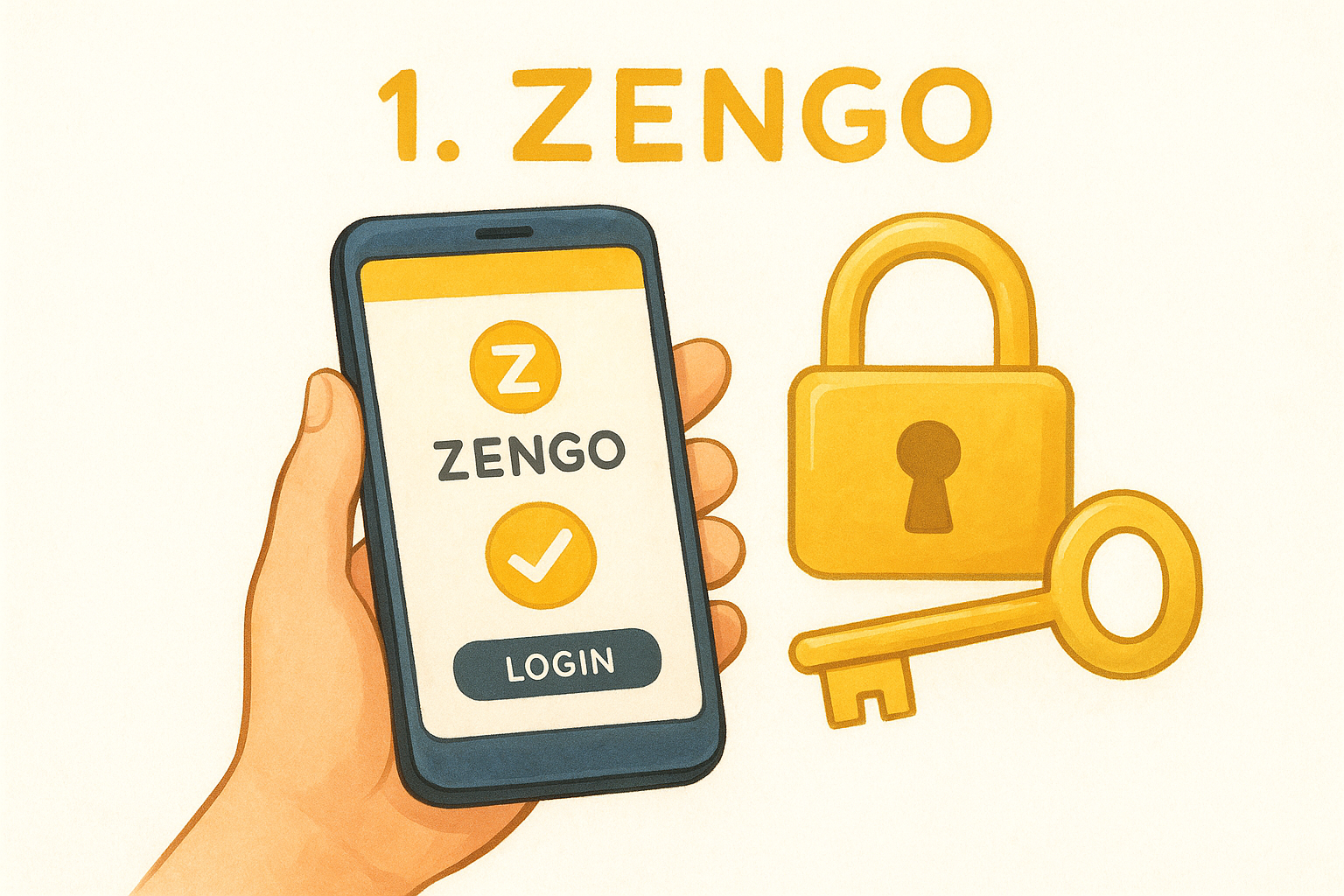
Zengo is a mobile-first, non-custodial wallet that removes one of the biggest friction points for new users: the seed phrase. Most wallets give you a 12 or 24-word recovery phrase and tell you to guard it with your life. Zengo takes a different approach using Multi-Party Computation (MPC) cryptography, which splits your private key between your device and Zengo's servers so neither side holds the full key alone.
Why beginners like it
Zengo's interface is clean and straightforward, making it one of the most approachable options if you're looking for the best hot wallet for beginners. You download the app, create an account with an email, and you're set up in minutes. There's no complex onboarding, no jargon-heavy setup process, and the dashboard shows your assets clearly without overwhelming you. Face ID or biometric authentication protects access at the device level, which adds a practical layer of security without requiring any technical knowledge.
Security and recovery model
The MPC model is what sets Zengo apart. Instead of a seed phrase, Zengo uses three recovery factors: your email, a facial recognition scan stored as an encrypted 3D map, and a recovery file saved to your personal cloud storage. All three are required to restore your wallet, which means losing your phone doesn't mean losing your funds.
If your device is stolen or damaged, you can recover full access to your Zengo wallet using your email, face scan, and cloud backup file, with no seed phrase required.
That said, Zengo's model does require you to trust their server infrastructure to some degree, since their system holds one share of your key. If Zengo shuts down, they've published an open-source recovery tool, but that tradeoff is worth factoring into your decision before committing.
Supported coins and networks
Zengo supports over 120 cryptocurrencies including Bitcoin, Ethereum, Solana, Polygon, BNB Chain, and most major ERC-20 tokens. The wallet also includes NFT viewing and a Web3 DApp browser, which gives you access to decentralized applications without needing a separate tool. It won't cover every obscure altcoin, but for the most widely held assets, the coverage is solid enough for most beginners.
Costs and fees to expect
Zengo is free to download and use for basic wallet functions. There's no monthly subscription. The wallet earns revenue through its built-in swap feature, which charges a spread on trades, typically between 0.5% and 3% depending on the asset pair. If you buy crypto directly through the app, expect additional third-party fees from providers like MoonPay or Banxa, which are standard across the industry.
2. Exodus
Exodus is a desktop and mobile wallet available on Windows, macOS, Linux, iOS, and Android. It has built a strong reputation for being visually polished and easy to navigate without any prior technical knowledge. If you want the best hot wallet for beginners that pairs a clean interface with built-in exchange tools, Exodus is worth a close look.
Why beginners like it
The app's portfolio dashboard gives you a clear view of all your holdings, recent transactions, and asset values in one place. Setup takes just a few minutes, and Exodus walks you through backing up your wallet before you move on to anything else, which is a habit every new holder should build early. The live charts and color-coded breakdown make it easy to understand what you own at a glance.
Security and recovery model
Your private keys are stored locally on your device, encrypted with a password you set at setup. Exodus is fully non-custodial, meaning the company never holds your keys or controls your funds.
If you lose access to your device, your 12-word seed phrase is the only way to recover your wallet, so write it down and store it somewhere physically secure and completely offline.
One limitation worth noting is that Exodus has no built-in two-factor authentication. You can pair it with a Trezor hardware wallet for a stronger security layer if you decide to upgrade later.
Supported coins and networks
Exodus supports over 260 cryptocurrencies across networks including Bitcoin, Ethereum, Solana, Avalanche, and Polygon. The built-in swap feature lets you exchange assets directly inside the app without routing through a separate exchange platform, which keeps the process simple for new users.
Costs and fees to expect
Downloading and using Exodus is completely free. The wallet applies a spread on in-app swaps that typically runs between 1% and 5% depending on the asset pair. Network transaction fees are passed through at cost and vary by blockchain.
3. Trust Wallet
Trust Wallet is a mobile-first, non-custodial wallet originally built for the Binance ecosystem but now functioning as a fully independent multi-chain app. It's one of the most widely used wallets in the world, with over 100 million downloads across iOS and Android, which gives it a level of community support and documentation that benefits newer users.
Why beginners like it
The setup process is fast and requires no account registration, so you're not handing over personal information just to get started. Trust Wallet's home screen organizes your assets cleanly and includes a built-in DApp browser that lets you explore decentralized applications directly from the app. For anyone looking for the best hot wallet for beginners with broad functionality and a straightforward layout, Trust Wallet covers a lot of ground in a single free download.
Security and recovery model
Trust Wallet stores your private keys locally on your device, and the company has no access to them. When you create a wallet, you receive a 12-word recovery phrase that you must back up before using the app.
Your seed phrase is the only way to restore your wallet if you lose or replace your phone, so write it down on paper and keep it somewhere secure and offline.
Two-factor authentication is not built into the app itself, but you can enable biometric login on supported devices for quicker, more secure access day to day.
Supported coins and networks
Trust Wallet supports over 100 blockchains and millions of assets, including Bitcoin, Ethereum, BNB Chain, Solana, Polygon, and Cosmos. The multi-chain coverage makes it a practical choice if you plan to hold assets across more than one network without managing multiple apps.
Costs and fees to expect
Trust Wallet is free to download and use. The built-in swap feature applies a small service fee on top of standard network fees, and any third-party purchases through integrated providers carry their own charges, which vary by provider and payment method.
4. Coinbase Wallet
Coinbase Wallet is a non-custodial mobile and browser extension wallet that operates completely separately from the Coinbase exchange. Even though the name overlaps, this wallet puts you in full control of your private keys, which is a meaningful distinction that many first-time users miss when they first encounter it.
Why beginners like it
The Coinbase brand carries a lot of recognition, and for many new holders it's the first name they trust in the crypto space. The wallet app is polished, intuitive, and integrates smoothly if you already use the Coinbase exchange to buy crypto. You can transfer assets directly between your exchange account and the wallet without copying addresses manually, which reduces errors and speeds up the process considerably. For anyone looking for the best hot wallet for beginners with a familiar name behind it, Coinbase Wallet delivers a comfortable starting point.
Security and recovery model
Your private keys are stored locally on your device, and Coinbase never has access to them. During setup, you receive a 12-word recovery phrase that you must secure before using the wallet for any real funds.
If you lose your phone or reinstall the app, your seed phrase is the only way to recover your funds, so write it down on paper and never photograph it or save it digitally.
Supported coins and networks
Coinbase Wallet supports hundreds of thousands of tokens across networks including Ethereum, Solana, Polygon, Avalanche, and BNB Chain. The built-in Web3 browser gives you direct access to decentralized applications and NFT marketplaces without needing a separate tool or wallet.
Costs and fees to expect
The wallet is free to download and use. In-app swaps carry a service fee that Coinbase discloses at the time of the transaction, and network gas fees apply for all on-chain activity, varying depending on which blockchain you use.
5. MetaMask
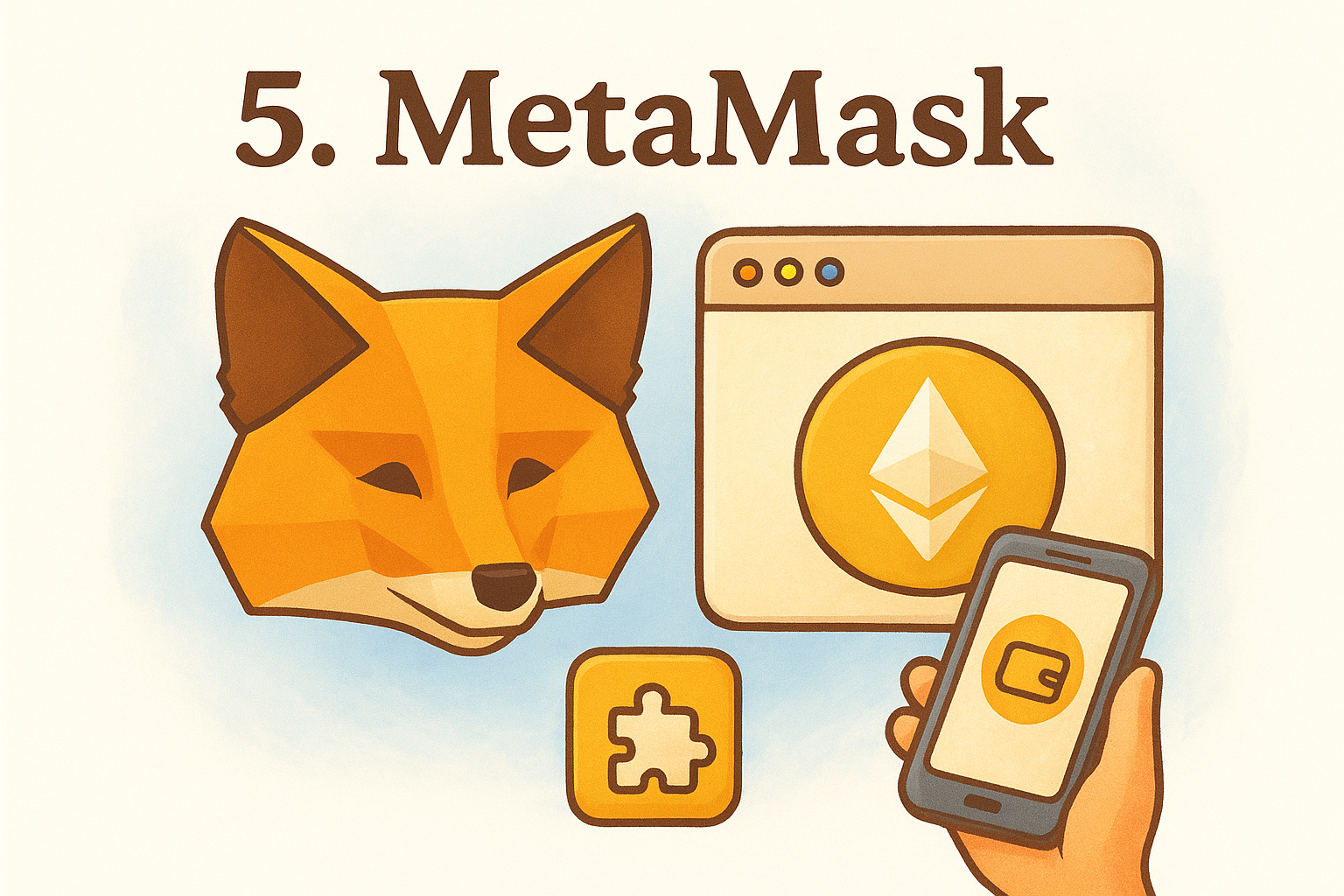
MetaMask is a browser extension and mobile wallet that has become the default tool for anyone interacting with Ethereum and EVM-compatible blockchains. It was originally built as a Chrome extension and has since expanded to Firefox, Brave, Edge, iOS, and Android, making it one of the most versatile options available.
Why beginners like it
MetaMask has an enormous user base and support community, which means finding answers to setup questions or troubleshooting issues is straightforward. The interface is familiar to millions of users, and most decentralized applications are built with MetaMask integration in mind first. If you're exploring DeFi, NFT platforms, or Web3 tools, MetaMask is often the default connection method that sites expect, which removes a lot of compatibility friction when you're getting started.
Security and recovery model
Your private keys are stored locally in your browser or on your device, encrypted with a password you set during setup. MetaMask never has access to your keys. When you create a wallet, you receive a 12-word Secret Recovery Phrase that you must back up before moving any funds.
If you lose access to your browser profile or your phone, that seed phrase is the only way to restore your wallet, so write it down on paper and keep it somewhere physically secure.
Supported coins and networks
MetaMask supports Ethereum natively and works with any EVM-compatible network, including Polygon, BNB Chain, Avalanche, Arbitrum, and Optimism. You can add custom networks manually in just a few steps. One limitation is that Bitcoin is not supported, so if Bitcoin is your primary asset, a different wallet will serve you better.
Costs and fees to expect
MetaMask is free to download and use. The built-in swap feature charges a 0.875% service fee on each transaction, and standard network gas fees apply to all on-chain activity, which vary depending on network congestion at the time of your transaction.
6. Phantom
Phantom started as a Solana-native browser extension and has since grown into a multi-chain wallet available on desktop and mobile. It's the go-to choice if your crypto interests lean toward Solana-based assets, NFTs, or decentralized applications built on that network.
Why beginners like it
The setup process is fast and clearly guided, walking you through wallet creation and seed phrase backup in just a few minutes. The home screen displays your token balances, NFTs, and recent transaction history in an organized layout that doesn't overwhelm you with options. For anyone searching for the best hot wallet for beginners who wants to explore the Solana ecosystem specifically, Phantom is one of the most approachable starting points available.
Security and recovery model
Your private keys are stored locally on your device, and Phantom never has access to them. When you create a wallet, you receive a 12-word recovery phrase that you must write down and store offline before using the wallet with real funds.
If you lose your device or uninstall the app, that seed phrase is the only path back to your wallet, so keep it written on paper and stored somewhere physically secure and away from anything connected to the internet.
Supported coins and networks
The wallet covers Solana, Ethereum, Polygon, and Bitcoin, making it one of the few options that bridges the Solana and EVM ecosystems in a single app. You can hold SPL tokens, ERC-20 tokens, and NFTs across all supported networks without juggling separate tools for each chain.
Costs and fees to expect
Downloading and using Phantom is completely free. The built-in swap feature charges a 0.85% service fee per transaction, and standard network fees apply on top of that depending on which blockchain you use at the time.
7. Edge Wallet
Edge Wallet is a mobile-first, non-custodial wallet available on iOS and Android. It positions itself as a privacy-focused option, placing account-based encryption directly on your device rather than relying on any server-side system to manage your keys or authenticate your access.
Why beginners like it
Edge uses a username and password login instead of forcing you to manage a raw seed phrase from the first screen, which lowers the barrier for people who find the typical wallet setup process intimidating. The interface organizes your assets clearly, and the built-in exchange and purchase features let you buy or swap crypto without leaving the app. For anyone looking for the best hot wallet for beginners that blends privacy with a familiar login experience, Edge is a practical option worth considering.
Security and recovery model
Edge encrypts your private keys locally on your device using your account credentials, and the company never holds your funds or has access to your keys. Your username and password serve as your primary recovery method, but if you forget both and haven't secured your seed phrase, getting back into your wallet becomes very difficult.
Write down your seed phrase during setup and keep it offline, because your Edge login credentials alone will not protect you if you lose both your device and your password.
Supported coins and networks
Edge supports over 30 cryptocurrencies including Bitcoin, Ethereum, Litecoin, Monero, and a selection of ERC-20 tokens. The network coverage is narrower than many competitors on this list, so if you plan to hold a wide variety of assets across multiple chains, you may find yourself needing a second wallet to fill the gaps.
Costs and fees to expect
Edge is free to download and use. The built-in swap and purchase features carry partner-dependent fees that vary by provider, and standard network transaction fees apply to all on-chain transfers as usual.
8. Rabby Wallet
Rabby Wallet is a browser extension wallet developed by the DeBank team, built specifically for users who spend time across multiple EVM-compatible networks. Where most wallets treat multi-chain support as an afterthought, Rabby centers its entire design around it, making it a strong pick if your activity spans more than one blockchain regularly.
Why beginners like it
Rabby automatically detects which network a transaction requires and switches to it without any manual input from you, which removes one of the most common sources of confusion for new DeFi users. The wallet also includes a pre-transaction simulation feature that shows you exactly what will happen before you confirm any action, so you can catch errors or unexpected outcomes before they cost you anything. For anyone researching the best hot wallet for beginners with a focus on safe DeFi interaction, Rabby's built-in safeguards make a real difference.
Security and recovery model
Your private keys are stored locally in your browser, and Rabby never holds them on its servers. Setup generates a standard 12-word seed phrase that you must back up before using the wallet with real funds.
Write your seed phrase on paper and store it somewhere offline, because losing it means losing permanent access to your wallet with no recovery path available.
Supported coins and networks
Rabby supports over 100 EVM-compatible networks, including Ethereum, Polygon, BNB Chain, Arbitrum, Optimism, and Avalanche. The wallet does not support Bitcoin or non-EVM chains like Solana, so if those assets are part of your portfolio, you will need a separate wallet to cover them.
Costs and fees to expect
Rabby is free to download and use. The built-in swap feature routes trades through aggregators and charges a small service fee on each swap, with standard network gas fees applying on top depending on which chain you use.
9. BlueWallet
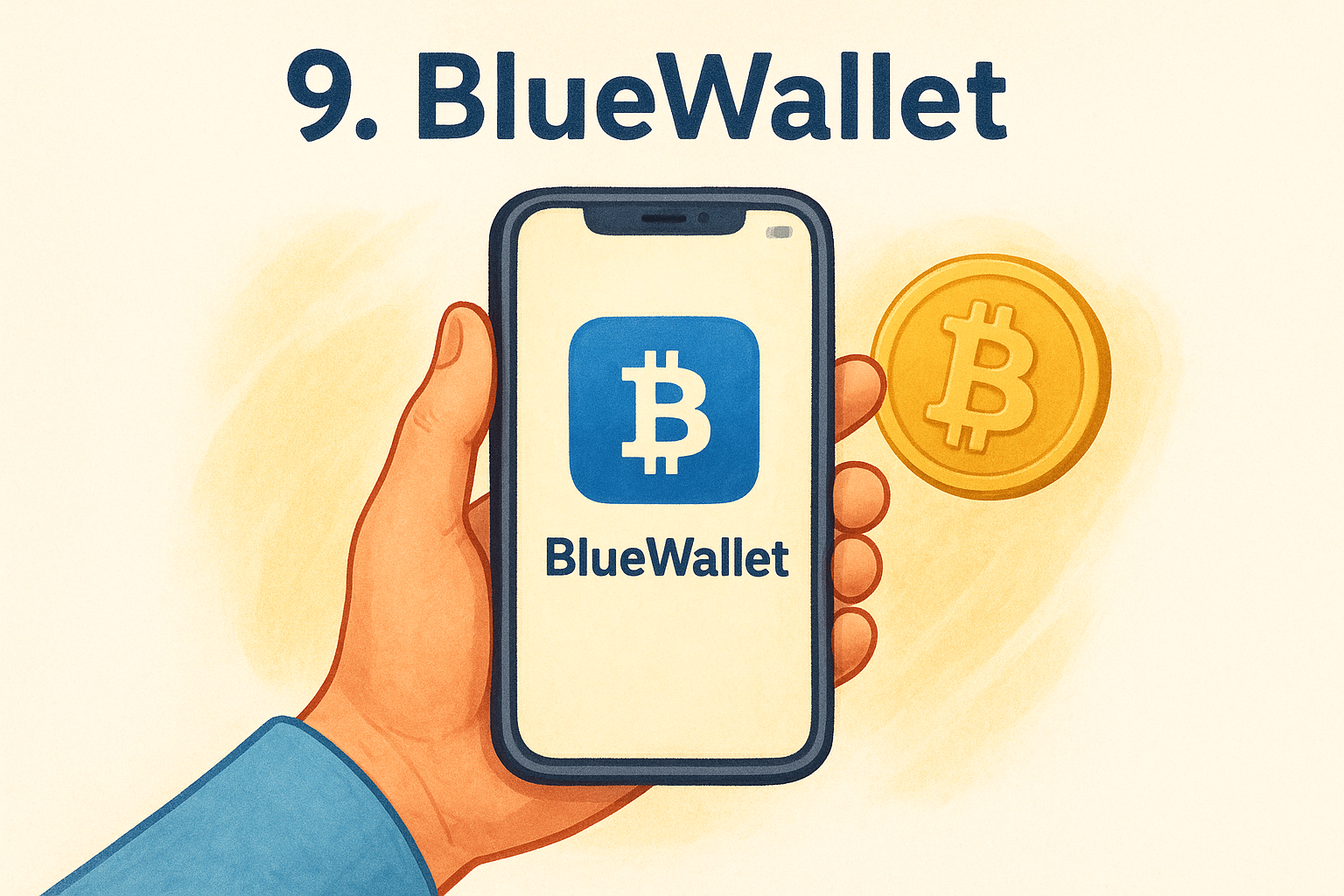
BlueWallet is a Bitcoin-only mobile wallet available on iOS and Android. It was built specifically for people who want a dedicated, no-distraction tool for holding and transacting in Bitcoin, without the multi-chain complexity that comes with most modern wallets.
Why beginners like it
BlueWallet keeps things simple by focusing on one asset and doing it well. If Bitcoin is your primary interest and you want the best hot wallet for beginners that doesn't bury you in features you'll never use, BlueWallet's clean layout delivers exactly that. The app also includes built-in Lightning Network support, which lets you send and receive Bitcoin instantly at very low cost, making it practical for everyday use rather than just long-term holding.
Security and recovery model
BlueWallet stores your private keys locally on your device, and the company has no access to your funds. When you set up a wallet, you receive a 12-word seed phrase that you must write down and store offline before you move any real money into the app.
Your seed phrase is your only recovery option if you lose or damage your phone, so keep it written on paper in a secure physical location and never save it on any device connected to the internet.
Supported coins and networks
BlueWallet supports Bitcoin only, covering both on-chain transactions and Lightning Network payments. It does not support Ethereum, Solana, or any other blockchain. If your portfolio goes beyond Bitcoin, you will need a second wallet to manage those assets separately.
Costs and fees to expect
BlueWallet is completely free to download and use. On-chain transaction fees are standard Bitcoin network fees that fluctuate with network demand, and Lightning transactions typically cost a fraction of a cent. There are no service fees charged by BlueWallet itself.
10. Blockstream Green
Blockstream Green is a Bitcoin-focused, open-source wallet available on iOS, Android, and desktop. It's built and maintained by Blockstream, one of the most respected companies in Bitcoin infrastructure development, which gives it a level of credibility that most mobile wallets don't carry.
Why beginners like it
Green keeps its layout focused and functional without burying you in unnecessary features. The onboarding process is guided and clear, walking you through setup and backup in a logical order before you move any funds. If you're specifically looking for the best hot wallet for beginners who want to learn Bitcoin in a serious, no-frills environment, Green's straightforward design and backing by a credible development team make it a reliable starting point.
Security and recovery model
Blockstream Green includes a two-factor authentication (2FA) system that you can layer on top of standard seed phrase protection, which is a feature most hot wallets skip entirely. You can enable 2FA via SMS, email, or authenticator app, and the wallet supports multisig configurations for users who want an additional spending approval requirement built in.
Backing up your 12-word or 24-word seed phrase on paper and storing it offline is still your first line of defense, and no 2FA setup replaces that step.
Supported coins and networks
Blockstream Green supports Bitcoin and Liquid Network assets, including L-BTC and select Liquid-based tokens. It does not cover Ethereum, Solana, or other major chains. Like BlueWallet, this is a wallet with a narrow focus, so you will need a second app if your portfolio includes assets beyond the Bitcoin ecosystem.
Costs and fees to expect
Green is completely free to download and use. All transaction fees are standard Bitcoin network fees that vary with on-chain demand, and Blockstream charges no service fees on top of them.
Final pick and next steps
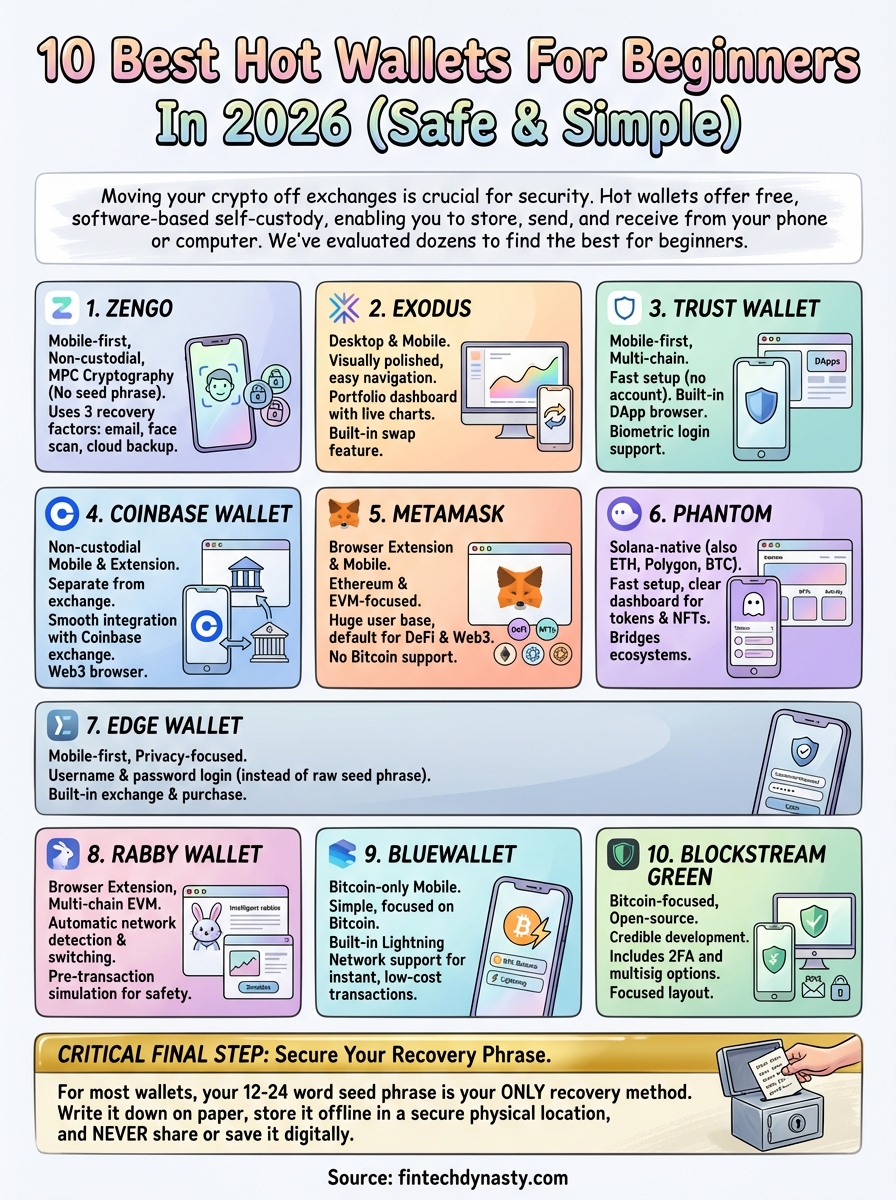
Every wallet on this list has a legitimate case for being the best hot wallet for beginners, but the right answer depends on what you actually need. If you want the simplest setup with no seed phrase to manage, Zengo is your strongest starting point. If you hold Bitcoin only, BlueWallet or Blockstream Green will serve you better than any multi-chain option. If you plan to explore DeFi across multiple networks, Rabby or MetaMask give you the tools to do that safely.
Whichever wallet you choose, your seed phrase is your single most important responsibility. Write it down on paper, store it somewhere physically secure, and never save it on any device or cloud service. A hot wallet protects your crypto from exchange risk, but your backup habits protect it from everything else. For deeper guidance on securing your digital assets, explore the full wallet education library at FinTech Dynasty.