

How To Verify Trezor Suite GitHub And Avoid Fake Repos
Trezor Suite is open-source software, which means anyone can inspect its code. That's a major security advantage, but it also means bad actors can clone the repository and distribute tampered versions. If you search for Trezor Suite GitHub without knowing exactly what to look for, you risk downloading malware disguised as the real thing.
This isn't a theoretical problem. Fake repositories and phishing links have already tricked users into installing modified wallet software that drains funds on first use. The open-source model only protects you if you know how to verify what you're downloading before you trust it with your private keys.
At FinTech Dynasty, we focus on the practical side of crypto security, not price speculation, not hype. This guide walks you through how to find the official Trezor Suite repository on GitHub, confirm its authenticity using verifiable indicators, and spot the red flags that give away fraudulent repos. Whether you want to review the source code, download a specific release, or simply make sure your Trezor software is legitimate, you'll have a clear process to follow by the end.
What you need before you start
You don't need to be a developer to verify the Trezor Suite GitHub repository safely, but having the right tools and setup in place before you start makes the process faster and more reliable. Skipping this step is how people end up comparing the wrong files or missing a verification check entirely.
A GitHub account
Creating a free GitHub account takes about two minutes and gives you access to repository details that matter for verification, including contributor history, commit logs, and signed release assets. You don't need any coding skills. What you need is the ability to read a repository page and check these three specific things:
- The organization name in the URL (not just the repo name)
- The number of stars, forks, and contributors
- The verified badge shown next to release files and commits
GPG verification software
Trezor cryptographically signs each release using GPG (GNU Privacy Guard), which lets you confirm that a downloaded file came directly from the Trezor team and was not modified. Install GPG on your system before you touch any release file.
A valid GPG signature is the only real proof that a release file is authentic. Star counts and download numbers prove nothing on their own.
- Windows: Install Gpg4win
-
macOS: Use GPG Suite or run
brew install gnupgin Terminal -
Linux: Run
sudo apt install gnupgor the equivalent for your package manager
A clean browser session
Before you open GitHub, disable any browser extensions you don't recognize. Some extensions silently redirect URLs or inject links into search results, which can send you to a fake repository page even when you type the correct address.
Use a browser profile with no add-ons, or open a private window, specifically for this process. This removes one of the most overlooked attack surfaces before you begin.
Step 1. Find the official Trezor organization
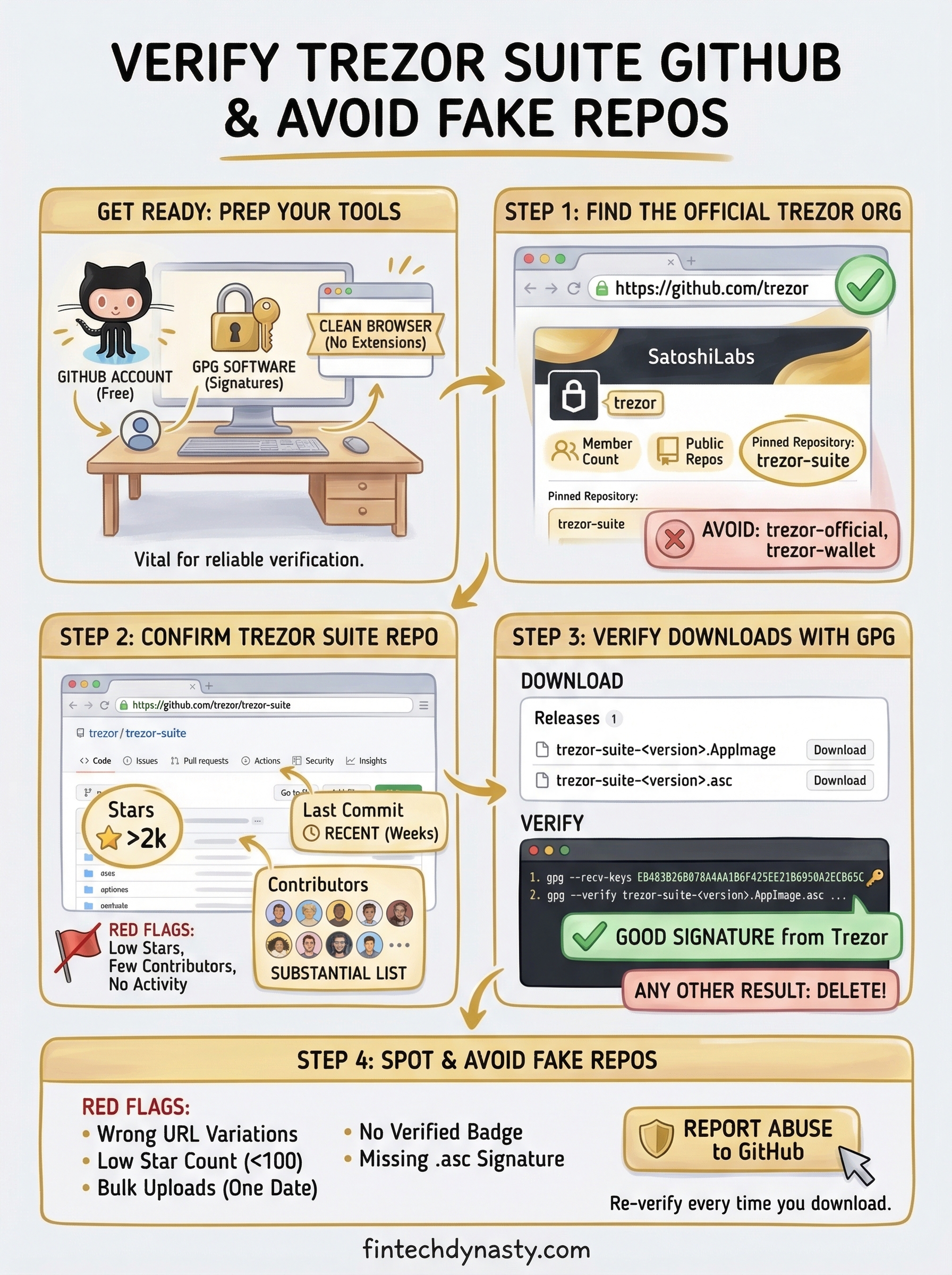
The safest way to reach the official Trezor organization on GitHub is to type the URL directly into your browser rather than clicking a link from a search result. Search engines can surface sponsored results or SEO-manipulated pages that lead you to convincing fakes before the real site even appears.
Go directly to the correct URL
Type this address into your browser manually:
https://github.com/trezor
This takes you to the official Trezor organization page, which is the verified home for all repositories maintained by SatoshiLabs, the company behind Trezor. From here, you can navigate to the trezor suite github repository without relying on any external link.
What to check on the organization page
Once you land on the page, confirm these details before going any further:
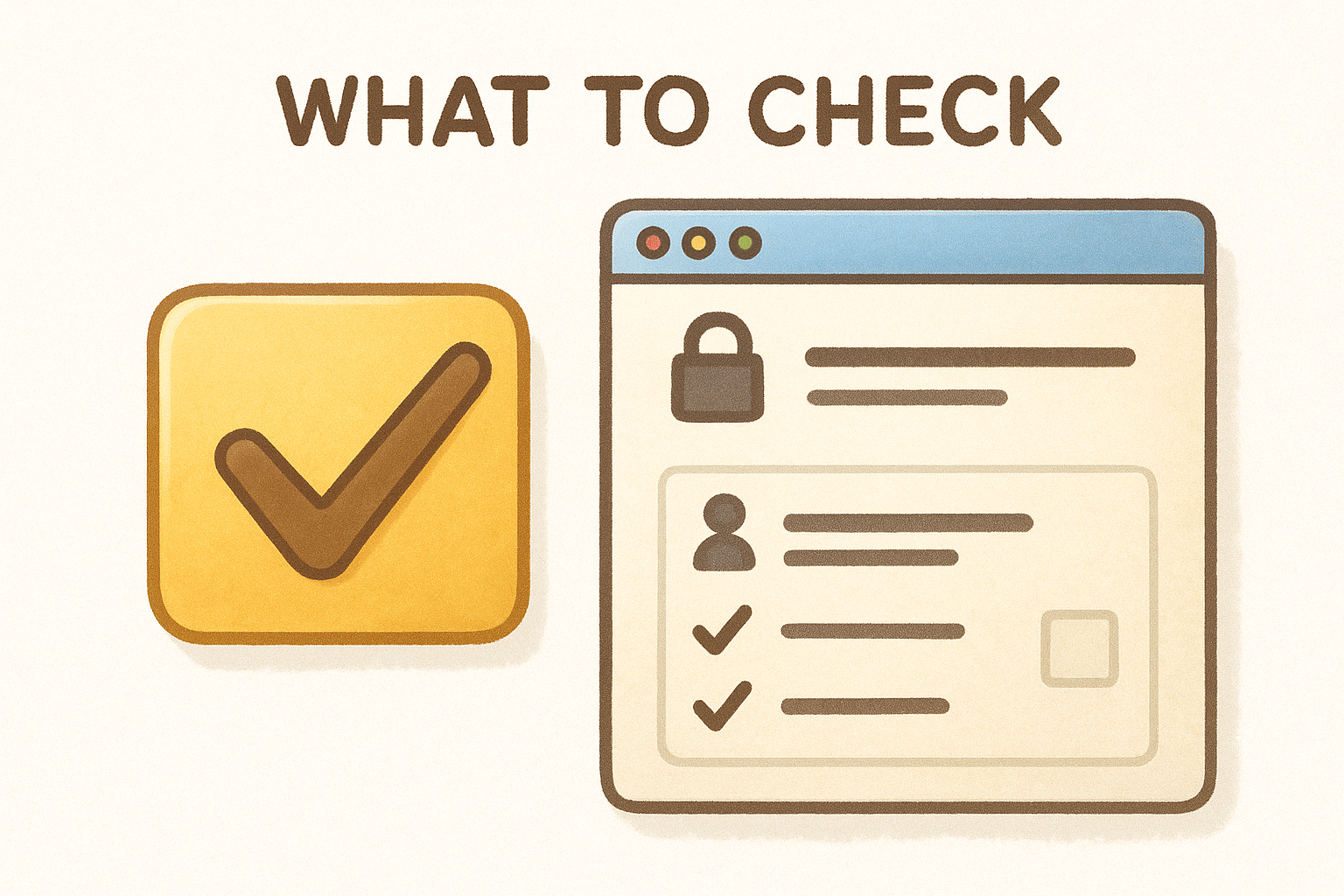
- Organization name: Must read "trezor" in the URL, not "trezor-official" or any variation
- Member count and public repos: A legitimate organization shows a substantial history, not a handful of recent uploads
-
Pinned repositories: The official page pins
trezor-suiteand other core projects prominently
If anything on the organization page looks unfamiliar or sparse, stop and re-enter the URL manually before continuing.
Step 2. Confirm the Trezor Suite repo is real
Once you're on the official Trezor organization page, navigate to the trezor-suite repository. Finding the organization is only half the job. You also need to verify that the specific repository you're looking at is legitimate and actively maintained before you download or inspect anything.
Check the repository indicators
Look at the top of the repo page and confirm these specific details match what you expect from the trezor suite github project:
-
Repository name: Must show
trezor/trezor-suitein the URL - Stars: Several thousand, not a few dozen
- Last commit date: Recent activity within the past few weeks
- Contributors: A substantial list, not one or two accounts
A repository with thousands of stars but only one or two contributors is a serious red flag, regardless of how polished the page looks.
Read the commit history
Click on the commit history and look for consistent activity spanning multiple years. A fake repo typically shows a short burst of uploads clustered around its creation date and little else after that. The real Trezor Suite repository has hundreds of commits from verified contributors pushing code on a regular basis, which is a pattern that cannot be easily faked or replicated overnight.
Step 3. Verify releases and downloaded files
Finding the correct repository gets you to the right place, but downloading a release file without checking its cryptographic signature leaves you exposed. Every legitimate file published through the trezor suite github repository comes with a GPG signature you can verify before you install anything on your system.
Download from the Releases page
Navigate to the Releases section of the repository by clicking "Releases" on the right-hand sidebar of the repo page. Each release lists the installer alongside a .asc signature file, which holds the cryptographic proof that Trezor signed that exact file. Download both the installer and the matching .asc file before you proceed.
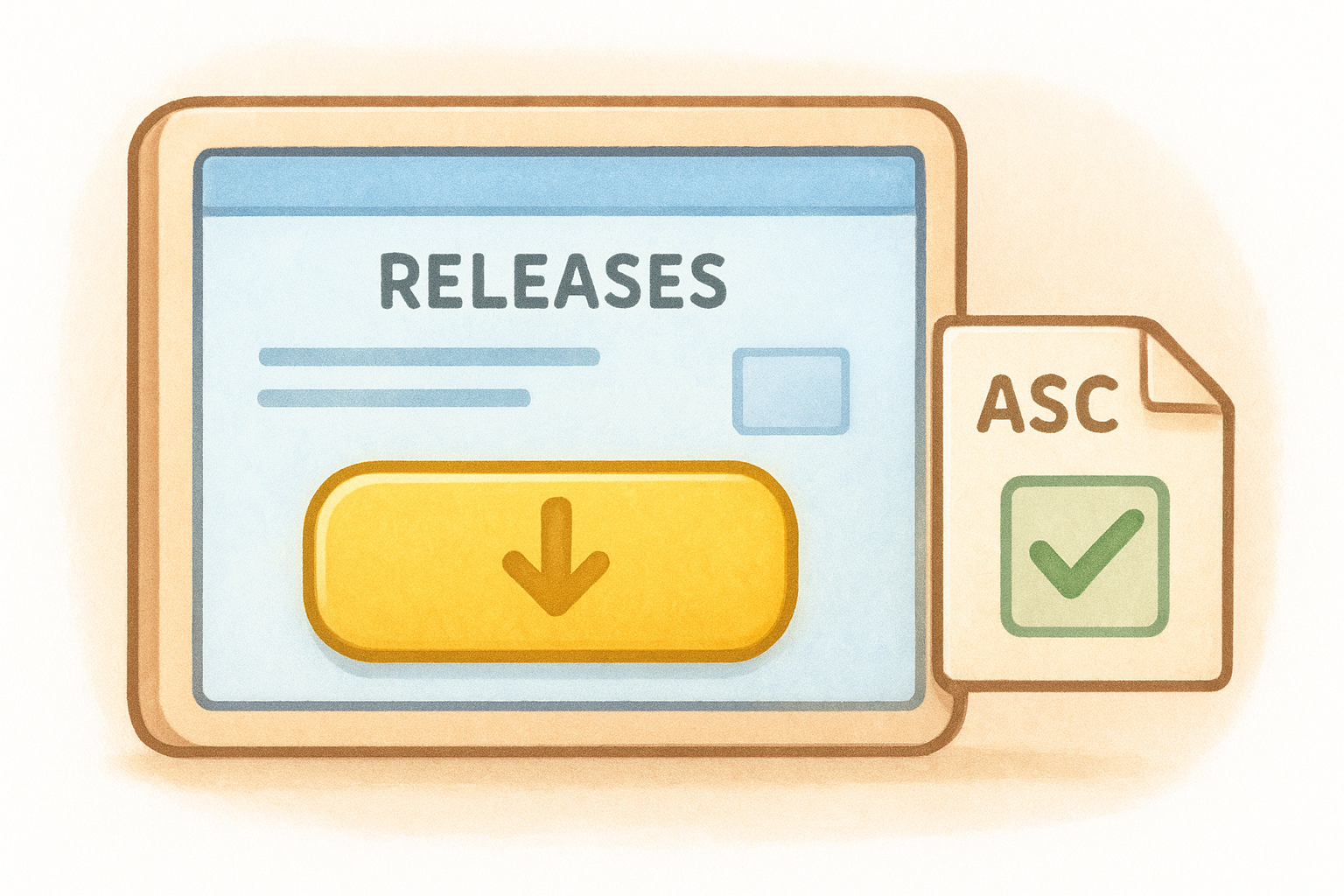
You need these two files to run a successful verification:
- The installer file (for example,
trezor-suite-24.x.x.AppImageon Linux) - The
.ascsignature file that matches your installer exactly
Run the GPG signature check
Before verifying, import Trezor's public GPG key so your system recognizes the signature's source. Open your terminal and run:
gpg --keyserver keys.openpgp.org --recv-keys EB483B26B078A4AA1B6F425EE21B6950A2ECB65C
Then check your downloaded file with:
gpg --verify trezor-suite-<version>.AppImage.asc trezor-suite-<version>.AppImage
A result showing "Good signature from Trezor" confirms the file is authentic. Any other output means you should delete the file immediately and re-download from the official repository.
Step 4. Spot and avoid fake repos
Knowing what a legitimate repository looks like makes it easier to recognize when something is off. Fake repos that impersonate the trezor suite github project tend to follow predictable patterns, and spotting those patterns before you click anything is your best defense.
Red flags to watch for
Several warning signs appear consistently across fraudulent repositories. Pay close attention to these specific details when you land on any page claiming to be the official Trezor project:
- Repository URL contains variations like "trezor-official," "trezor-wallet," or extra words
- Star count is unusually low, often under 100
- Commit history shows bulk uploads on a single date with no ongoing activity
-
Release files lack matching
.ascsignature files - No verified organization badge linked to the account
What to do when you find a fake
If you identify a suspicious repository, do not download anything from it. Instead, report it directly to GitHub using the "Report abuse" button on the repository page. This removes the repo faster and protects other users who might stumble across it through search results.
Reporting fake repositories is a concrete action that protects the broader community, not just your own setup.
Wrap up and stay safe
Verifying the trezor suite github repository is not a one-time task. Every time you download a new release or share a link with someone else, run through the same checks: confirm the organization URL, review the repository indicators, and validate the GPG signature before opening any file. These steps take less than five minutes and protect you from the most common attack vector targeting hardware wallet users.
Your private keys are only as safe as the software you use to manage them. Skipping signature verification because a file looks legitimate or comes from a trusted-looking page is exactly the mistake that attackers count on. The process you followed in this guide removes that risk entirely.
For more practical guidance on hardware wallet security, seed phrase protection, and choosing the right cold storage setup for your situation, visit FinTech Dynasty and explore the full resource library.