

Wasabi Wallet GitHub: How To Find The Official Repository
Wasabi Wallet is one of the most well-known privacy-focused Bitcoin wallets available, and its entire codebase is publicly accessible. But if you've searched for Wasabi Wallet GitHub hoping to find the official repository, you've probably noticed that forks, mirrors, and outdated links can make things confusing. Downloading wallet software from the wrong source is a real security risk, and one that's entirely avoidable.
At FinTech Dynasty, we focus on helping you protect your crypto through independent research and practical security guidance. Whether you're verifying source code, checking development activity, or downloading a specific build, knowing how to locate the authentic repository matters just as much as choosing the right wallet in the first place.
This guide walks you through exactly how to find Wasabi Wallet's official GitHub repository, verify that it's legitimate, and understand what you're looking at once you get there.
What "official" means for Wasabi Wallet on GitHub
When you search for Wasabi Wallet GitHub, multiple repositories appear that look related to the project. Forks, mirrors, and community-maintained copies all surface alongside the real thing. "Official" has a precise meaning here: it refers to the repository actively maintained by the core Wasabi Wallet development team and directly linked from the project's own website. Any other repository, no matter how polished it looks, is not the authoritative source.
Why the organization name matters
The official repository lives under the GitHub organization WalletWasabi. That organization name is the clearest signal that you're in the right place. GitHub organizations group repositories under a single controlled account, so if a repository appears under a personal username or a differently named organization, it is not the official source, regardless of how similar the name or description looks.
Always verify the GitHub organization name reads "WalletWasabi" exactly before downloading any files or trusting any code.
The correct URL follows this structure: github.com/WalletWasabi/WalletWasabi. Both the organization and the repository share the same name. Bookmarking this exact path is a safer habit than running a fresh search every time, since search results can surface forks or unrelated projects higher than the real repository.
How to spot unofficial forks and mirrors
GitHub makes it straightforward to fork any public repository, which means hundreds of copies of the Wasabi Wallet codebase can exist at any given time. A fork displays the label "forked from WalletWasabi/WalletWasabi" directly beneath the repository name, confirming it is a copy. Forks are not always malicious, but you should never download wallet software or release binaries from a fork without a specific, verified reason to trust that source.
Mirrors work similarly. Some developers host copies of open-source projects on separate platforms, and these versions may lag behind official updates or contain modifications you cannot easily audit or verify independently.
Step 1. Start from the official Wasabi Wallet site
The safest way to find the Wasabi Wallet GitHub repository is to begin at the project's own website rather than a search engine. Search results can surface forks, old links, or unrelated projects, and none of that is worth the risk when you're dealing with Bitcoin wallet software.
Always start from the official website to eliminate any possibility of landing on a misleading or counterfeit repository.
Navigate to wasabiwallet.io
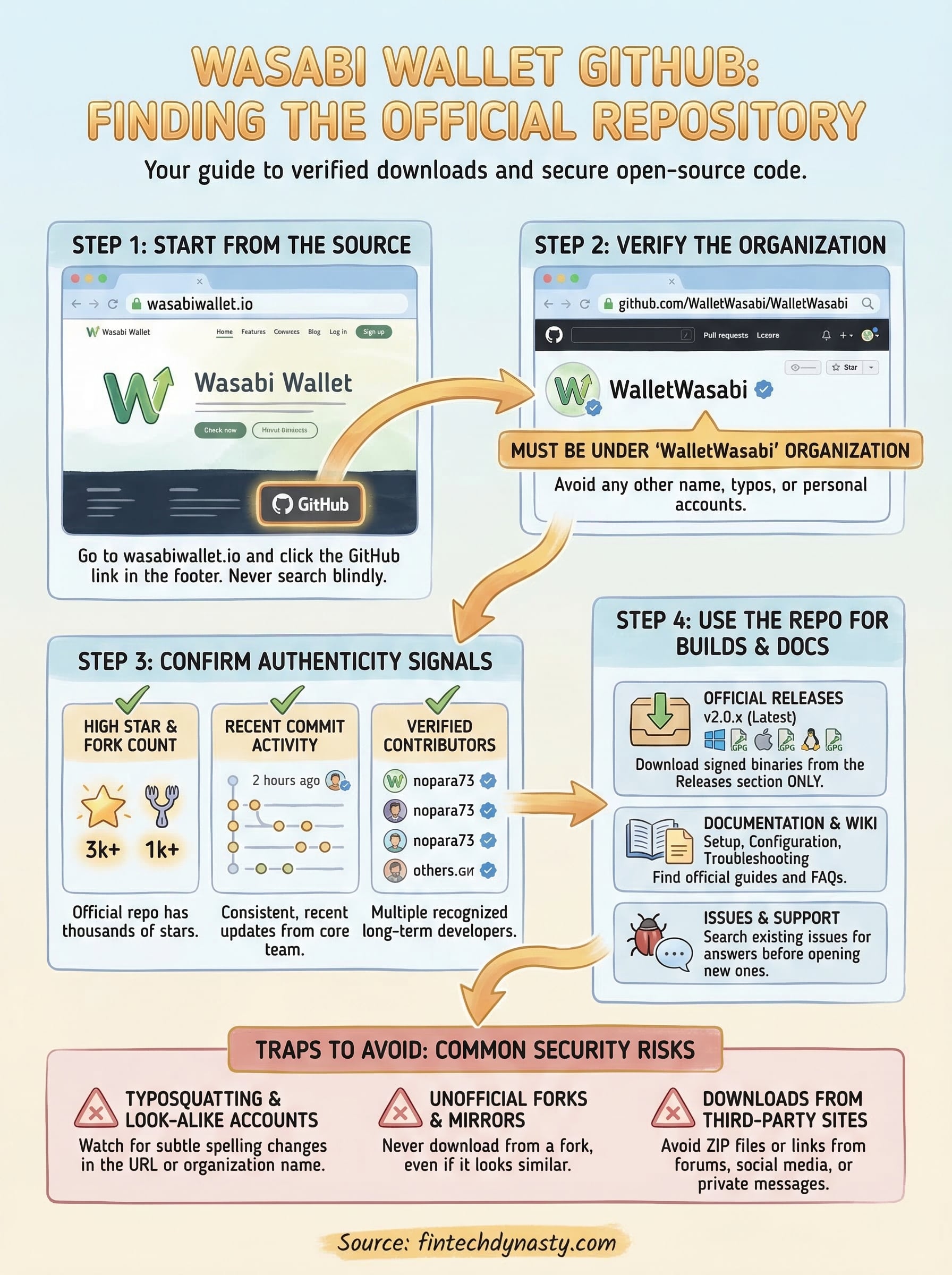
Open your browser and go directly to wasabiwallet.io. Once you're on the site, scroll to the footer or look for a GitHub link in the navigation. The development team maintains a direct link to their repository from the official site, which removes any guesswork about which GitHub account actually controls the codebase.
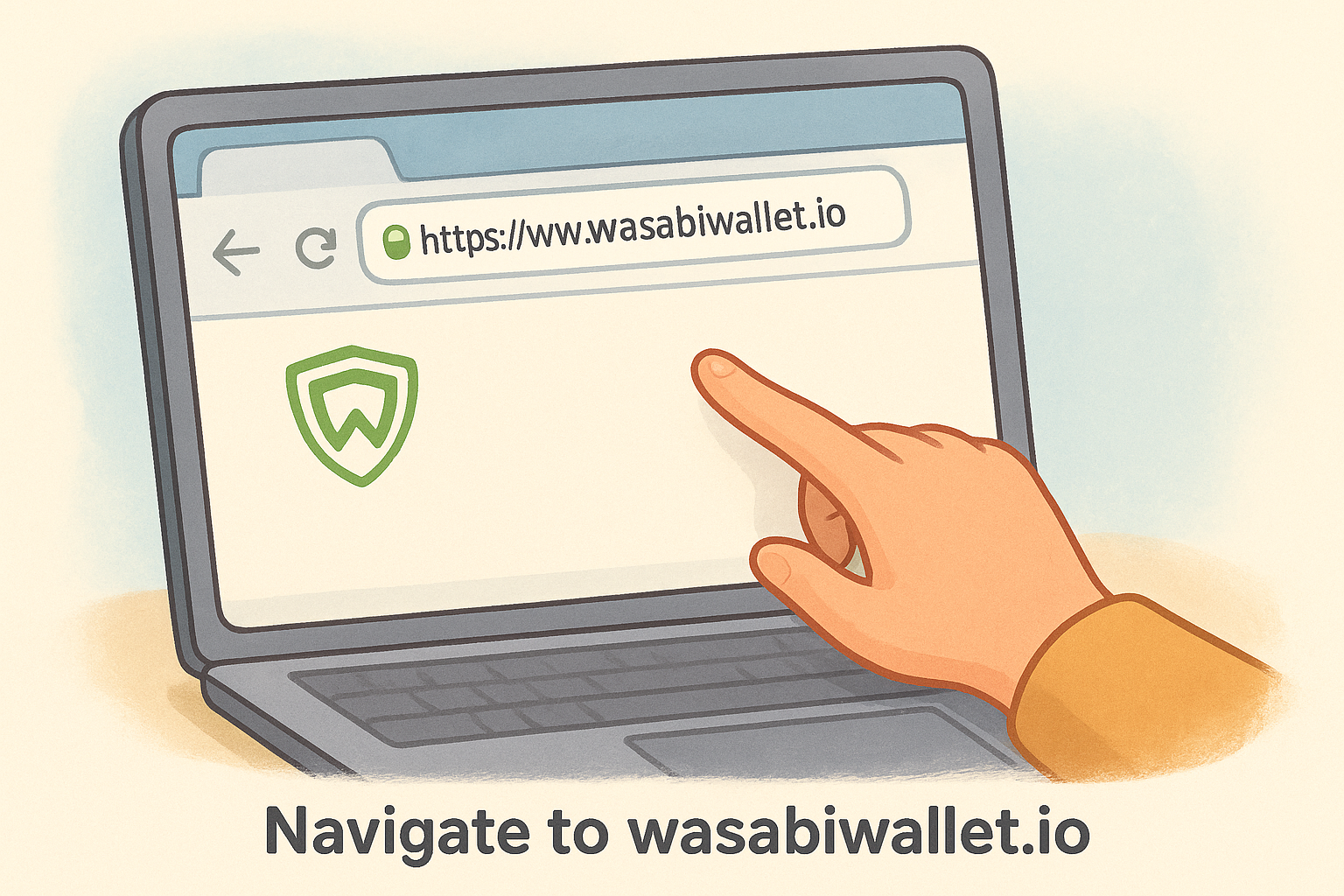
From that link, you will land on the WalletWasabi organization page on GitHub. This approach works because the official website is controlled by the same team that owns the GitHub organization, creating a direct and verifiable chain from the domain you already trust to the repository you need. Do not skip this step even if you think you already know the correct URL from memory.
Step 2. Confirm you're on the real repository
Landing on a GitHub page is not enough. You need to actively verify that the repository belongs to the correct organization before you trust anything on it. The WalletWasabi/WalletWasabi path should appear clearly in your browser's address bar, and the page header should display the WalletWasabi organization name as a clickable link.
Treat repository verification as a non-negotiable step, not an optional one.
Check the key repository signals
Once you reach what you believe is the official Wasabi Wallet GitHub repository, look for these specific indicators that confirm its authenticity:
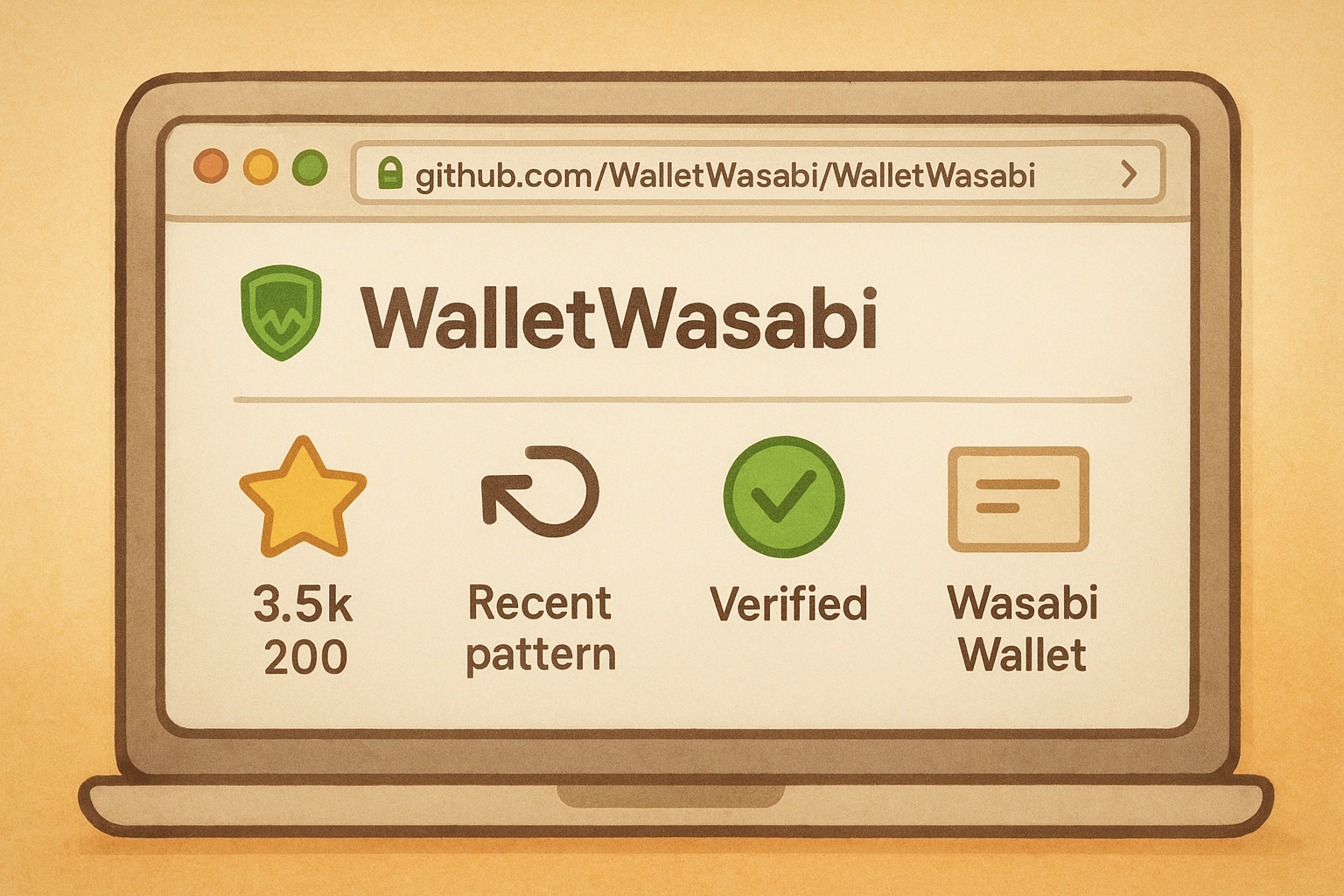
- Stars and fork count: The official repo has thousands of stars; low counts signal a clone
- Recent commit activity: Consistent, recent commits from multiple named contributors
- Verified badges on commits: Signed commits confirm the pushing developer's identity
- Repository description: Should reference Wasabi Wallet directly with no unusual additions
Review the contributor list
The contributor list for the official repository includes a recognizable set of long-term developers. Scroll down the right-hand sidebar on the repository page and click Contributors to see who has pushed code.
A repository with only one or two contributors is almost certainly a fork or mirror. The official WalletWasabi repo maintains a visible history of consistent, multi-developer activity that a counterfeit source cannot easily replicate.
Step 3. Use the repo for code, builds, and docs
Once you've confirmed you're on the correct Wasabi Wallet GitHub repository, three areas deserve your attention: the source code itself, the official release builds, and the project documentation. Each serves a distinct purpose depending on whether you're a developer, a regular user verifying a download, or someone troubleshooting a specific issue.
Find official release builds
The Releases section is where you download verified builds. Look for the "Releases" link on the right-hand sidebar of the repository page. Every release entry lists the version number, release notes, and attached binary files for Windows, macOS, and Linux.
Only download builds attached directly to a release entry in the official WalletWasabi repository, never from third-party mirrors or file-sharing sites.
Read the documentation and open issues
The repository's Wiki and README contain setup instructions, configuration options, and troubleshooting guidance maintained by the core team. If you run into a problem, check the Issues tab before opening a new report, since most common questions already have documented answers. Searching open and closed issues by keyword saves significant time and often surfaces solutions faster than any external forum.
Step 4. Avoid common Wasabi GitHub traps
Knowing where the official Wasabi Wallet GitHub repository lives is only part of the work. Several predictable traps catch users off guard, and each one carries real consequences for your Bitcoin security. Understanding what these traps look like gives you a concrete way to avoid them every time you visit the repository.
If something about a repository feels off, stop and verify before downloading anything.
Watch out for typosquatting and look-alike accounts
GitHub account names that substitute a single letter or add an extra word are the most common trap you will encounter. An account named "WasabiWallet" or "WalletWasabi-Official" is not the verified organization. Check the exact spelling of the organization name in your browser's address bar every single time you visit, rather than assuming you landed in the right place based on visual similarity alone.
Never install builds from unverified sources
Third-party sites and social media posts frequently link to builds that claim to be official Wasabi releases. These files can carry modified code or malware designed specifically to steal your seed phrase or intercept your private keys during wallet setup. Stick exclusively to release files attached directly inside the official repository. Reject any source that matches the red flags below:
- Download links posted in forum comments or social media threads
- ZIP files hosted on personal websites or file-sharing platforms
- Releases without GPG signatures attached to the release entry
- Builds promoted through direct messages from unknown accounts
Next steps
You now have a clear, repeatable process for locating and verifying the Wasabi Wallet GitHub repository every time you need it. Start at wasabiwallet.io, follow the link directly to the WalletWasabi organization, and confirm the repository URL before you download or trust anything. That three-step habit protects you from the most common mistakes people make when sourcing open-source wallet software.
From here, the logical next move is strengthening the rest of your Bitcoin storage setup beyond just downloading verified software. Understanding the difference between hot wallets like Wasabi and hardware-based cold storage solutions can make a significant difference in how well your assets are protected over the long term.
For practical, independent guidance on comparing cold storage options and building a security setup that fits your situation, visit FinTech Dynasty. You will find clear, non-speculative information to help you make confident decisions about protecting your digital assets.