

Authy Vs Google Authenticator: 5 Differences That Matter
Your crypto accounts are only as secure as the weakest link protecting them, and for most people, that's their two-factor authentication app. When comparing Authy vs Google Authenticator, the choice matters more than you might think, especially if you're serious about protecting your digital assets from unauthorized access.
Both apps generate time-based one-time passwords (TOTP) to add a second layer of security beyond your password. But they handle backups, device syncing, and recovery very differently. For crypto holders moving toward self-custody or securing exchange accounts, picking the wrong 2FA app can mean losing access to your funds permanently, or leaving them vulnerable to attackers.
Here are five key differences between Authy and Google Authenticator that will help you decide which one actually fits your security needs.
1. Backup and recovery when you lose your phone
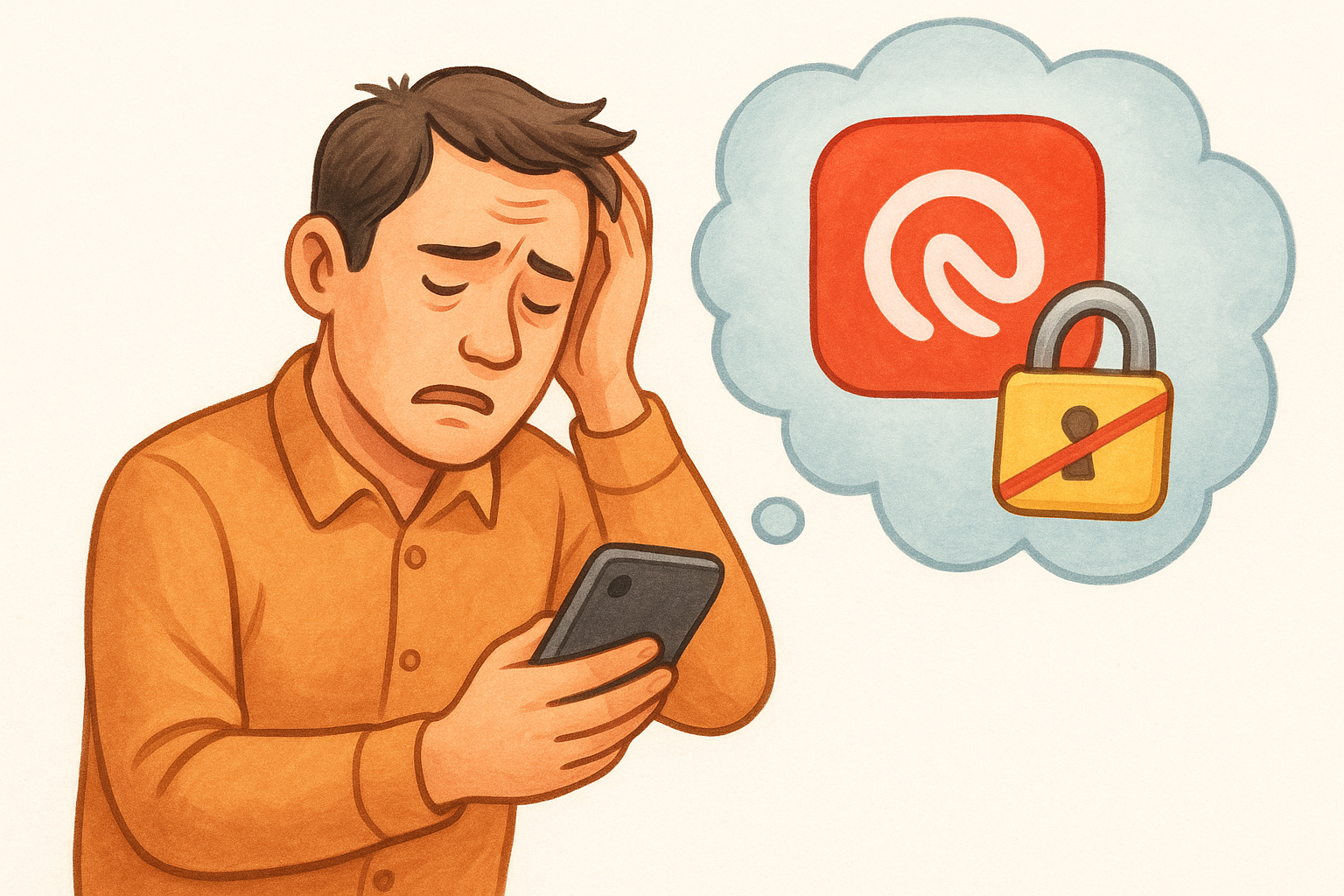
Losing your phone or having it stolen is already stressful, but if your 2FA codes disappear with it, you can lose access to every account tied to that authenticator app. The biggest difference in the Authy vs Google Authenticator debate comes down to how each app handles this nightmare scenario, and whether you can restore your codes without contacting customer support teams one by one.
How Authy handles backups and restores
Authy automatically backs up your encrypted 2FA tokens to Authy's cloud servers, protected by a password you set during initial setup. When you log into Authy on a new device using your phone number and backup password, all your tokens sync back instantly. You don't need to re-scan QR codes or contact support teams to regain access.
This encrypted cloud backup means you can recover everything even if your phone is completely destroyed. Authy uses your backup password (not stored on their servers) to decrypt your tokens, so the company itself cannot access your codes. The tradeoff is that you must remember this backup password, because Authy cannot reset it for you.
How Google Authenticator handles backups and restores
Google Authenticator added cloud backup to Google accounts in 2023, but it works differently than Authy. Your codes sync to your Google Account storage and restore when you sign in on a new device, but Google controls the encryption keys. This means Google can technically access your 2FA seeds, though they state they don't.
Before the 2023 update, Google Authenticator offered no backup at all. Users who lost their phones had to manually recover each account through support channels, a process that could take days or weeks depending on the service.
If you lose access to your 2FA app without a backup, most platforms require identity verification that can lock you out of your own accounts for extended periods.
Which app to pick if account recovery is your top priority
Pick Authy if you want guaranteed recovery with encryption you control through your own password. Choose Google Authenticator if you already trust Google with your data and prefer simplicity over managing an additional password. For crypto holders protecting exchange accounts or wallet access, Authy's user-controlled encryption offers stronger protection against both device loss and third-party access.
2. Multi-device support and day-to-day convenience
If you regularly switch between your phone, tablet, and computer throughout the day, your 2FA app needs to keep up with you. The Authy vs Google Authenticator comparison reveals major differences in how these apps handle multiple devices, and whether you can access your codes without pulling out your phone every single time.
How Authy handles multiple devices and desktop access
Authy lets you install the app on multiple devices simultaneously and keeps all your tokens synced across them. You can run Authy on your iPhone, iPad, Android tablet, and desktop (Windows, Mac, or Linux) at the same time, with all codes updating in real-time.
The desktop app means you can generate 2FA codes directly on your computer while you're already logged in there, which eliminates the constant phone-checking workflow. All devices stay synchronized through Authy's encrypted cloud backup, so adding a new device to your account takes seconds.
How Google Authenticator handles multiple devices
Google Authenticator now syncs across devices tied to your Google Account, but only on mobile platforms. There is no official desktop application, so you must pull out your phone or tablet every time you need a code on your computer.
Which app to pick if you use more than one device
Pick Authy if you work across multiple devices and want desktop access without reaching for your phone constantly. Choose Google Authenticator if you primarily use one phone and rarely need codes on other devices. Desktop workers securing crypto exchange accounts will find Authy's cross-platform support significantly more practical.
3. Security model and where your 2FA secrets live
Understanding where your 2FA secrets are stored and who has access to them matters more than most people realize, especially if you're protecting crypto accounts worth protecting. The security model differences in the Authy vs Google Authenticator debate determine whether your tokens stay local on your device or get uploaded to cloud servers, and who holds the encryption keys.
How Authy stores and protects your tokens
Authy stores your 2FA seeds in encrypted form on their cloud servers, using AES-256 encryption with a password you create. The encryption happens on your device before upload, so Authy never receives your backup password or the unencrypted seeds. Your tokens remain encrypted at rest on Authy's infrastructure, and only you can decrypt them.
Your backup password never leaves your device, which means Authy cannot recover your account if you forget it.
How Google Authenticator stores and protects your tokens
Google Authenticator syncs your seeds to your Google Account cloud storage with encryption managed by Google. Unlike Authy, Google controls the encryption keys, which means Google technically has the ability to decrypt your tokens. The company states they don't access this data, but the architectural difference matters for threat modeling.
Which app to pick if you want fewer cloud dependencies
Pick Google Authenticator if you already trust Google with your email, passwords, and other sensitive data. Choose Authy if you prefer encryption keys that never leave your control and want protection against both Google and Authy accessing your seeds. Crypto holders prioritizing maximum security isolation typically favor Authy's user-controlled encryption model.
4. App lock, biometrics, and what happens if someone grabs your phone
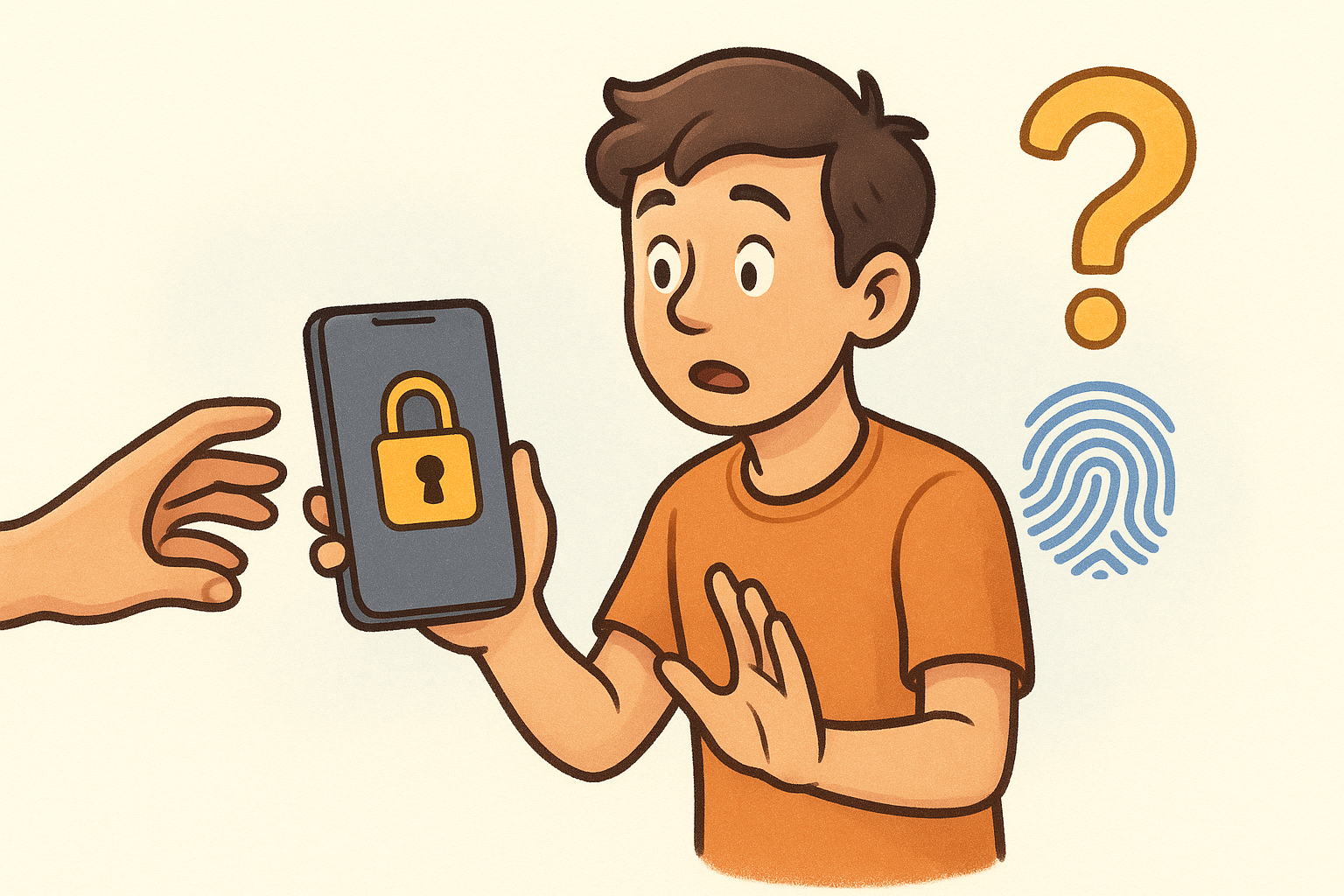
Leaving your phone unlocked on a table or handing it to someone temporarily creates a real vulnerability in the Authy vs Google Authenticator security equation. If someone picks up your unlocked phone, can they instantly access all your 2FA codes and drain your accounts? The answer depends entirely on which app protects your tokens with an additional layer inside the application itself.
How Authy limits access to your codes inside the app
Authy includes a built-in PIN protection feature that requires a separate numeric code before displaying any tokens. You can also enable Touch ID or Face ID biometric authentication on supported devices, adding a fingerprint or face scan requirement before the app opens. These protections work independently from your phone's lock screen, creating a second barrier even if your phone is already unlocked.
App-level protection means someone with physical access to your unlocked phone still cannot view your 2FA codes without passing Authy's separate authentication.
How Google Authenticator limits access to your codes
Google Authenticator relies entirely on your device's built-in lock screen for protection. The app itself offers no additional PIN or biometric lock once someone bypasses your phone's security. If your phone is unlocked or someone knows your device passcode, they can open Google Authenticator immediately and access every token stored inside.
Which app to pick if you worry about local device access
Pick Authy if you need defense-in-depth protection against physical access scenarios. Choose Google Authenticator if you trust your device lock screen as sufficient and want simpler access without multiple authentication steps.
5. Setup, switching phones, and long-term portability
Upgrading to a new phone happens every few years for most people, and the portability of your 2FA setup determines whether the transition takes five minutes or five hours. The Authy vs Google Authenticator comparison shows dramatically different experiences when you need to move dozens of accounts from your old device to a new one, particularly if you're protecting multiple crypto exchange accounts that require individual verification steps.
What switching looks like with Authy
Authy makes phone upgrades nearly effortless through its automatic cloud sync. You install Authy on your new device, verify your phone number and backup password, and all your tokens appear within seconds. The entire process happens without touching your old phone or re-scanning any QR codes, which matters significantly when you're moving 20+ accounts at once.
What switching looks like with Google Authenticator
Google Authenticator now offers account transfer through QR code scanning between devices or cloud sync through your Google Account. If you use the cloud backup, your codes restore automatically when you sign in. Without cloud backup enabled, you must either scan a transfer QR code from your old phone or manually re-add each account by scanning original setup codes again.
Manual re-setup requires contacting support for accounts that don't provide recovery codes, which can lock you out of services for days.
Which app to pick if you upgrade phones often
Pick Authy if you switch devices frequently and want zero-friction transfers. Choose Google Authenticator if you upgrade rarely and prefer Google's ecosystem integration over Authy's separate infrastructure.
Your next step
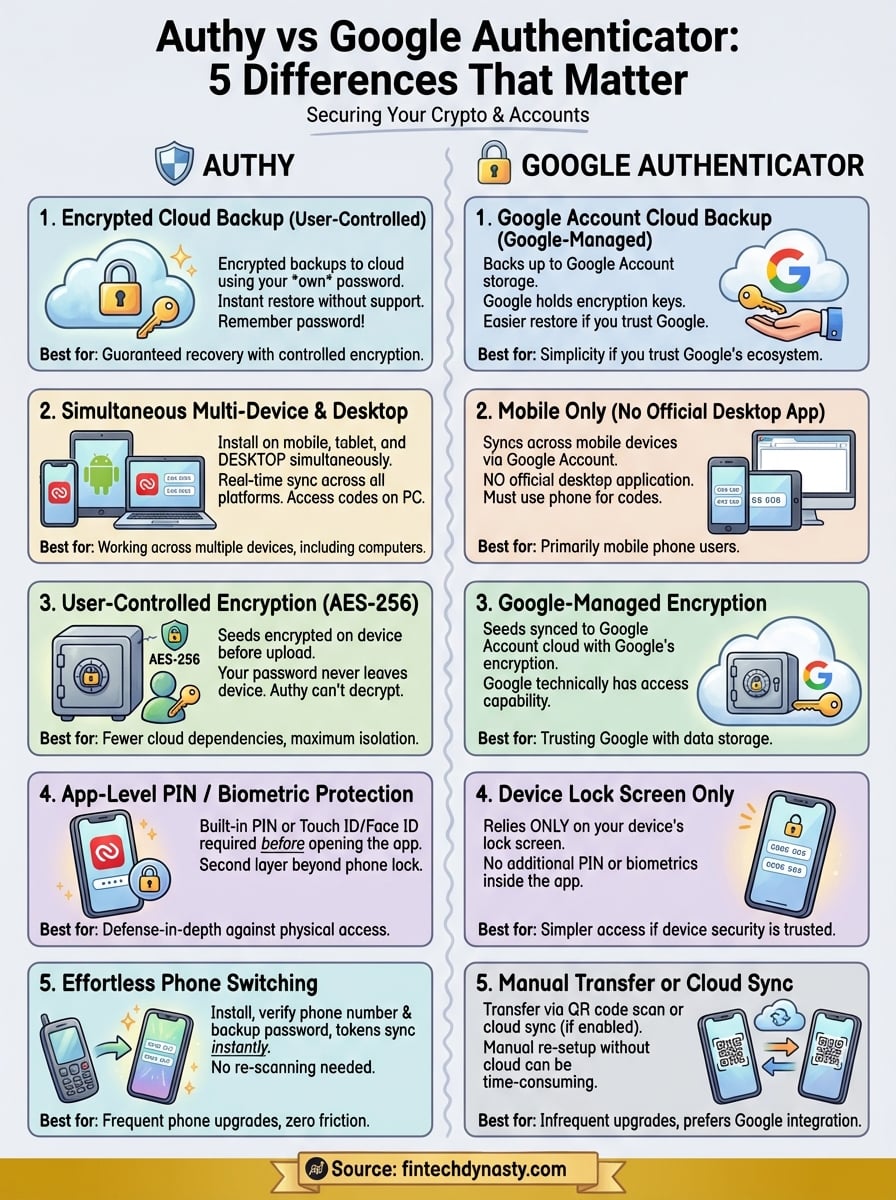
The Authy vs Google Authenticator decision comes down to how you prioritize backup control, multi-device access, and recovery options. Both apps protect your accounts with time-based codes, but Authy gives you encrypted cloud backups with user-controlled passwords while Google Authenticator ties everything to your Google Account infrastructure.
Pick Authy if you work across multiple devices, upgrade phones frequently, or want app-level biometric protection beyond your device lock screen. Choose Google Authenticator if you trust Google's ecosystem and prefer simpler setup without managing separate backup passwords.
Your 2FA app protects the gateway to your crypto holdings, but securing your actual digital assets requires understanding hardware wallets, seed phrase management, and self-custody fundamentals. FinTech Dynasty provides detailed comparisons of cold storage devices and practical security guides that help you protect your wealth without the market hype or speculation noise.