

Sparrow Wallet GitHub: How To Identify The Official Repo
Sparrow Wallet is one of the most respected Bitcoin desktop wallets for self-custody, and its open-source code is publicly available for anyone to review. But searching for Sparrow Wallet GitHub can lead you to forked repositories, outdated mirrors, or worse, malicious clones designed to steal your Bitcoin. Knowing exactly which repo is legitimate matters more than most people realize.
At FinTech Dynasty, we focus on the practical side of crypto security, helping you verify, protect, and manage your own assets without relying on trust alone. That's exactly what open-source verification is about. If you're downloading wallet software from GitHub, you need to confirm you're pulling it from the correct source before it ever touches your keys.
This guide walks you through how to identify the official Sparrow Wallet GitHub repository, what to look for once you're there, and how to verify your download using the tools the developer provides. Whether you're installing Sparrow for the first time or updating to the latest release, these steps will help you avoid compromised software and keep your Bitcoin secure.
What you need before you trust a GitHub repo
Before you download anything from sparrow wallet github or any other open-source project, you need a clear framework for evaluating what you are looking at. GitHub hosts millions of repositories, and anyone can fork a project and give it a near-identical name. Without a checklist, the difference between the real repo and a convincing fake is almost invisible to someone who is not already familiar with the project.
Know the difference between the official repo and a fork
A fork is a copy of a repository that lives under a different GitHub account. Forks are legitimate and common in open-source development, but they are not the same as the original source. The official Sparrow Wallet repository belongs to a specific GitHub account, and that account name matters as much as the repository name itself. If the URL shows a different account prefix, you are not on the official repo, even if the code looks identical at first glance.
Always verify the GitHub account name, not just the repository name, before you download or clone anything.
The three signals that confirm a repo is legitimate
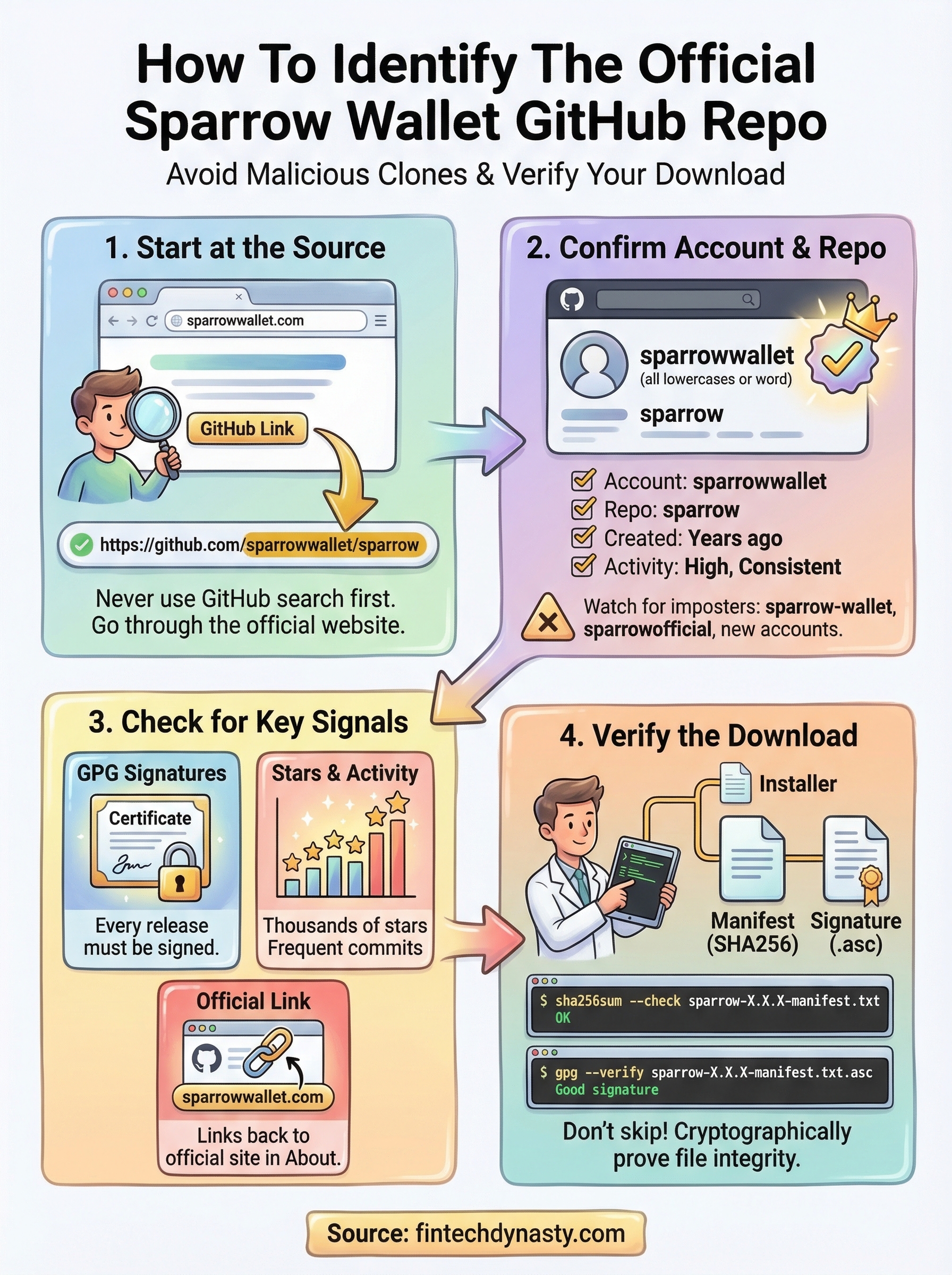
Once you land on a GitHub page, three signals tell you whether it is the real source. First, verified releases will have GPG signatures attached, which means the developer cryptographically signed each build. Second, the star count and contributor history on the official repo will be significantly higher than any lookalike fork. Third, the repository will link to the official project website in the About section. A fake repo often skips one or more of these because maintaining them requires ongoing effort from the real developer.
| Signal | What to check |
|---|---|
| GPG signature | Present on every release download |
| Stars and activity | Substantially higher than similar-named repos |
| About section link | Points to the official Sparrow Wallet site |
| Account name | Matches the known developer handle |
Step 1. Find Sparrow Wallet on GitHub safely
The safest way to reach the sparrow wallet github repository is to navigate through the official Sparrow Wallet website rather than using the GitHub search bar. Search results on GitHub are not ranked by legitimacy, so a convincingly named fork can appear above the real project. Going through the official site removes that risk entirely.
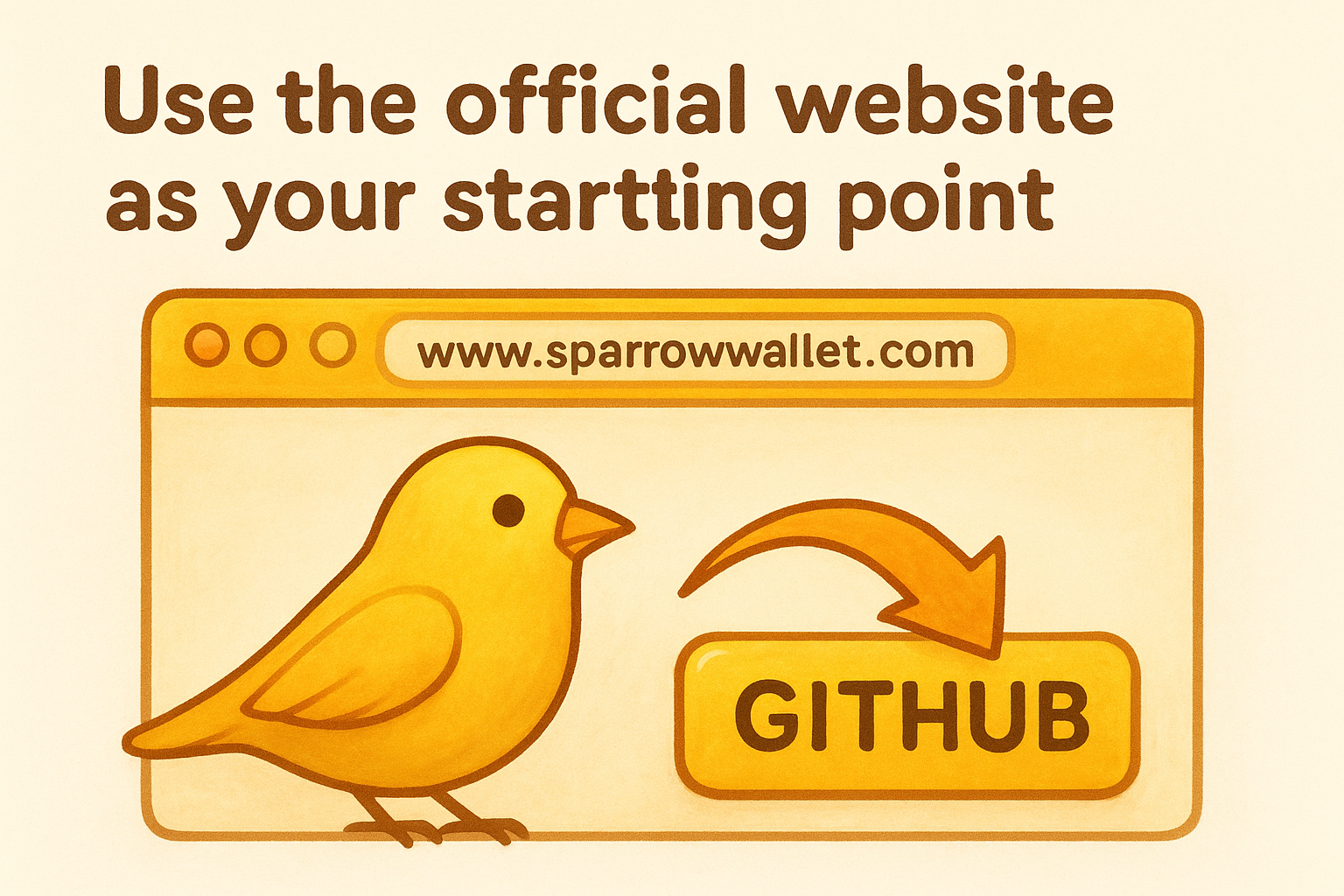
Use the official website as your starting point
Open your browser and go to sparrowwallet.com, then look for the GitHub link in the navigation or footer. This takes you directly to the correct repository without any guesswork. The official account name is "sparrowwallet" (one word, all lowercase), and the repository URL should read exactly as follows:
https://github.com/sparrowwallet/sparrow
Never search for Sparrow Wallet directly on GitHub and click the first result without confirming the account name matches "sparrowwallet."
If you arrive at the repo through any other path, cross-check the full URL before you do anything else. The account name and repository name must both match what is shown above. If either part differs, you are not on the official repository and should close the tab immediately.
Step 2. Confirm you have the official sparrowwallet repo
Once you land on the page, do not assume the URL alone is enough. Malicious repos can use similar naming patterns, so you need to spend thirty seconds confirming a handful of details before you trust what you are looking at on sparrow wallet github.
Check the account profile and repository details
Click the account name at the top of the repository page to open the profile. The official sparrowwallet account will show a consistent history of commits, multiple related repositories, and a profile description that matches the project. If the account was created recently, has almost no activity, or shows only one repository, treat that as a red flag and leave immediately.
A legitimate open-source project builds its GitHub presence over years, not days.
Look for these specific repository markers
The official repository includes several details that are difficult for a fake account to replicate convincingly. Use this checklist before you proceed:
- Repository created date: The original was published well before 2023
- Commit history: Hundreds of commits with consistent, named contributors
- Releases tab: Shows a full version history with attached files
- README content: Includes installation instructions and links back to sparrowwallet.com
- License file: Listed as the Apache 2.0 license
Step 3. Verify releases, checksums, and signatures
Downloading the correct file from the sparrow wallet github repository is only half the job. You still need to confirm that the file you received was not tampered with in transit, and the Releases tab gives you everything required to do that.
Download the release and its verification files
Go to the Releases tab in the official repository and open the latest version. Under each release, you will find multiple files. Download the installer for your operating system plus the SHA256 manifest file (usually named sparrow-X.X.X-manifest.txt) and the corresponding .asc signature file.
Never skip the manifest and signature files, even if the download feels fast and the file size looks right.
Run the checksum and signature check
Once you have all three files in the same folder, open your terminal and run the following to check the file hash:
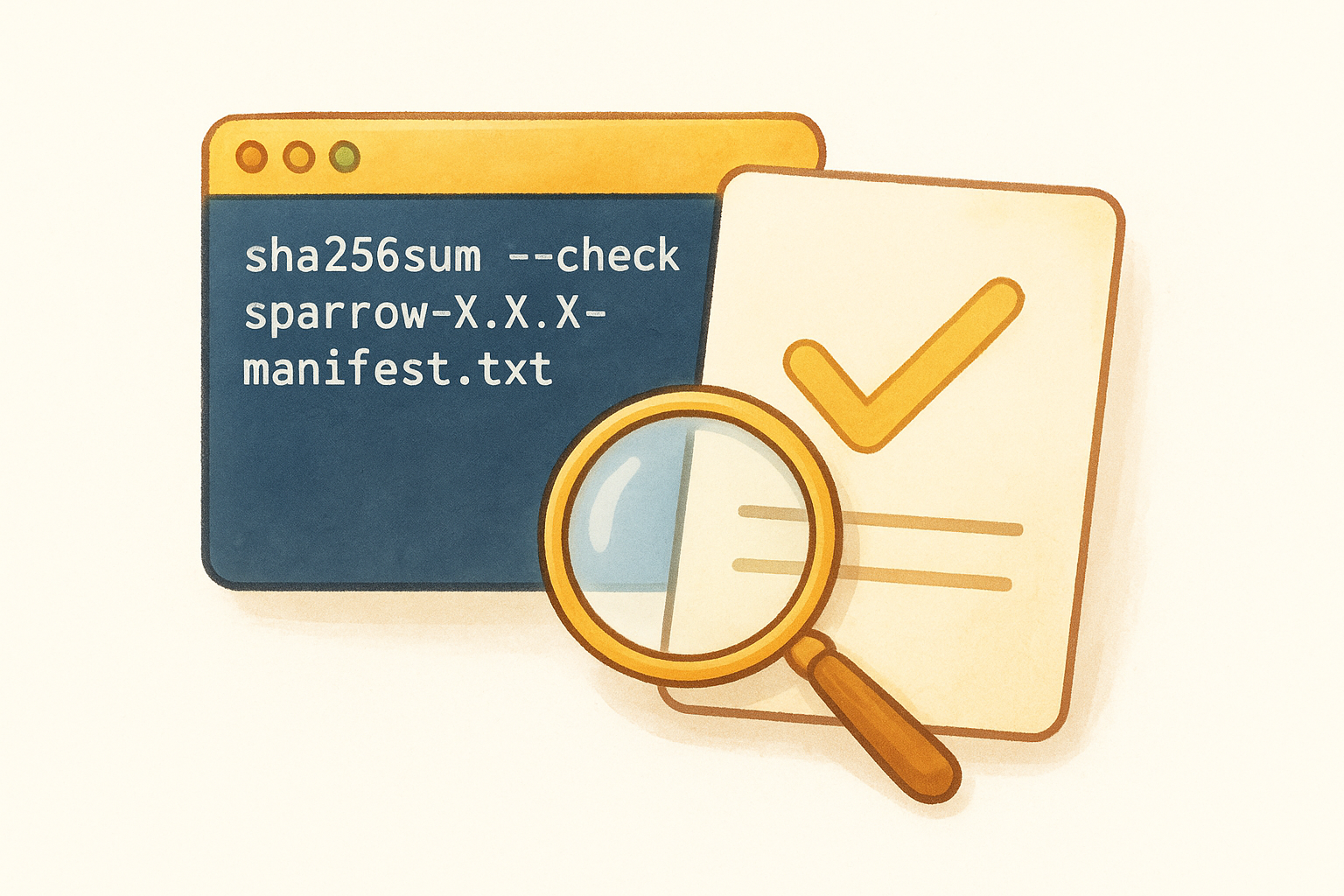
sha256sum --check sparrow-X.X.X-manifest.txt
Your output should show "OK" next to your installer file. Then verify the GPG signature with:
gpg --verify sparrow-X.X.X-manifest.txt.asc sparrow-X.X.X-manifest.txt
A "Good signature" result confirms the developer signed that exact release and nothing was altered after signing.
Step 4. Avoid fake repos, forks, and lookalike downloads
Fake repositories targeting sparrow wallet github searches are a real and active threat. Bad actors create convincing clones with slightly altered account names, inflated star counts from bot activity, and modified installers that look identical to the real ones. Recognizing the warning signs before you download protects both your funds and your machine.
If you ever feel uncertain about a repository's legitimacy, close the tab and restart from sparrowwallet.com.
Red flags that identify a fake or malicious repo
You should treat any repository as suspicious if it shows missing or unsigned releases, a recently created account, or a URL that deviates from github.com/sparrowwallet/sparrow in any way. Watch for these specific warning signs:
- Account created within the last year with no other repositories
- Release files without attached
.ascsignature files - README content that copies the original but links to a different download site
- Star count in the dozens rather than thousands
- No visible commit history from named, recurring contributors
What to do if you downloaded from the wrong source
Stop immediately and do not open the file. Delete it from your system, run a malware scan, and return to the official site to download the correct release. If the file already executed, treat your machine as compromised and move your funds to a clean wallet from a verified device.
Next steps
You now have everything you need to find, confirm, and verify the official sparrow wallet github repository without guessing. The process is straightforward once you build the habit: start at sparrowwallet.com, follow the GitHub link, confirm the account name matches "sparrowwallet," and run the checksum and GPG signature check before you open any downloaded file.
Practicing these verification steps once makes them second nature for every future update. Open-source software is only as safe as your verification habits, and skipping a single step is where most security mistakes happen. Treat every update cycle the same way you treated your first install, and you will stay protected regardless of which version you are running.
Bitcoin security does not stop at software verification. If you want to go deeper on hardware wallets, seed phrase storage, and long-term self-custody strategies, explore the FinTech Dynasty security guides built specifically for independent holders like you.